Photo to pixel art, free and right in your browser

Turn a selfie, pet or holiday photo into crisp pixel art. Pick the grid size and colors, add grid lines if you need them, and download a PNG. Your photo is converted on this device and never uploaded.

Add a photo

Drop a JPG, PNG or WebP here, up to 10 MB.

Detail

Cells across

Colors

Number of colors
16
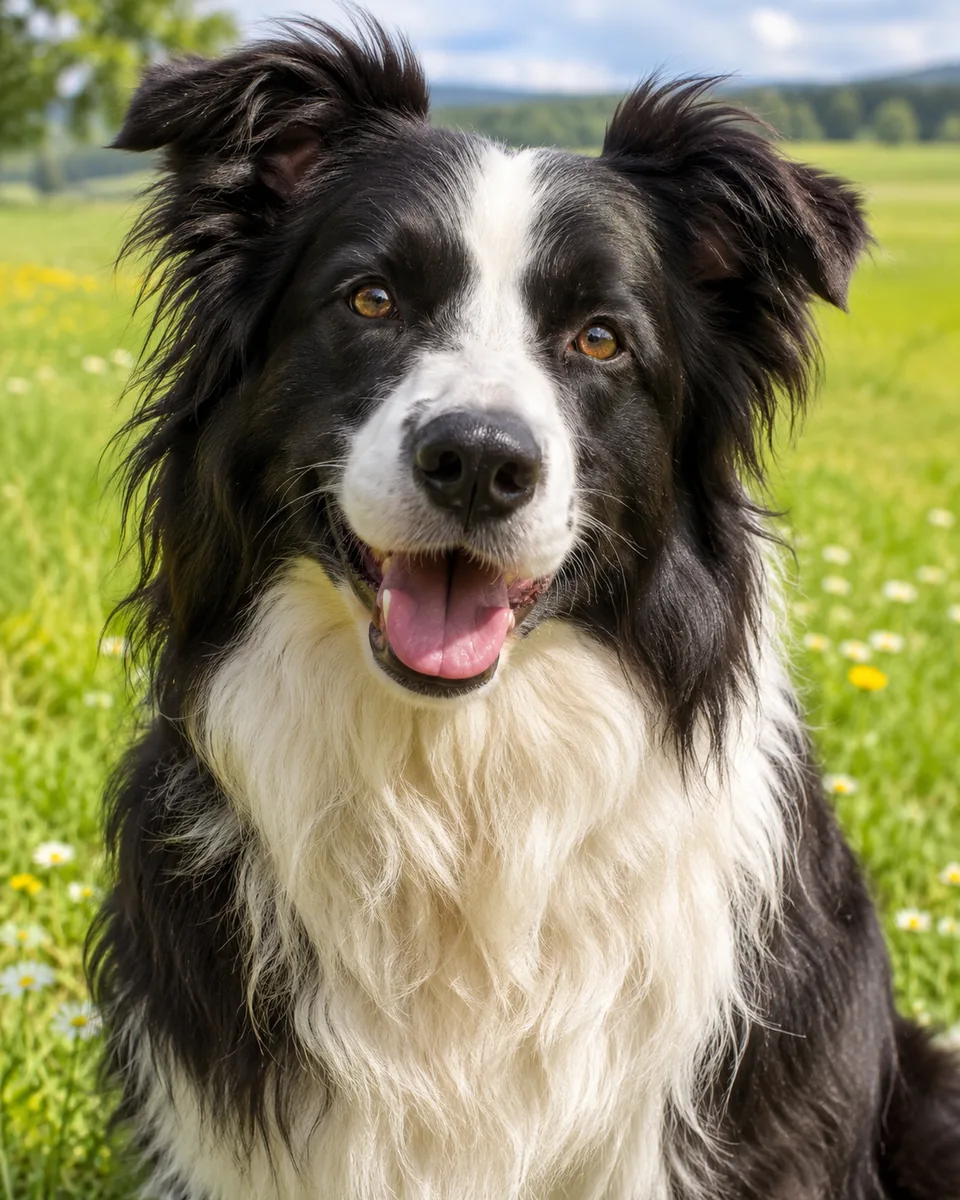
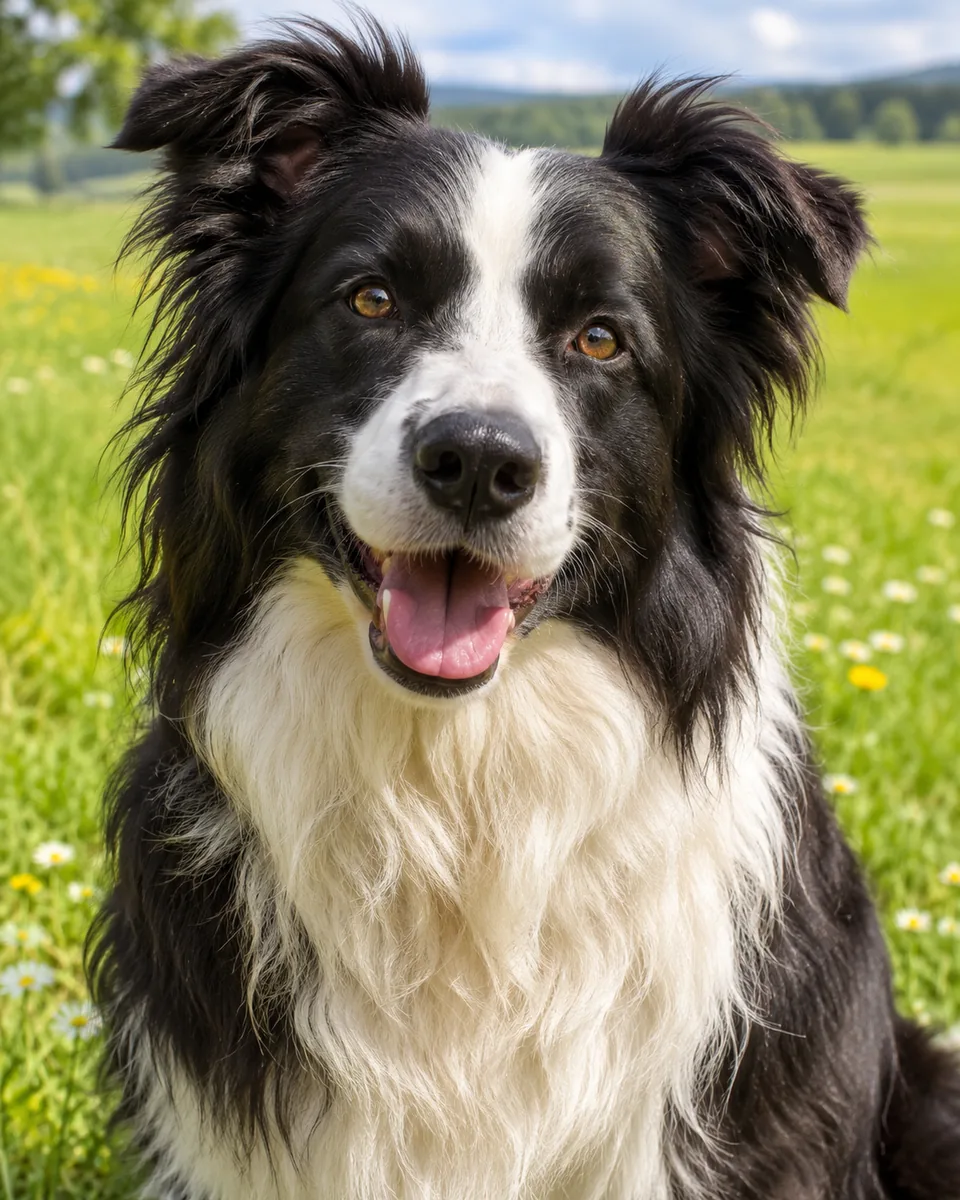
Black and white border collie with its mouth open in a sunny green meadow
Photo
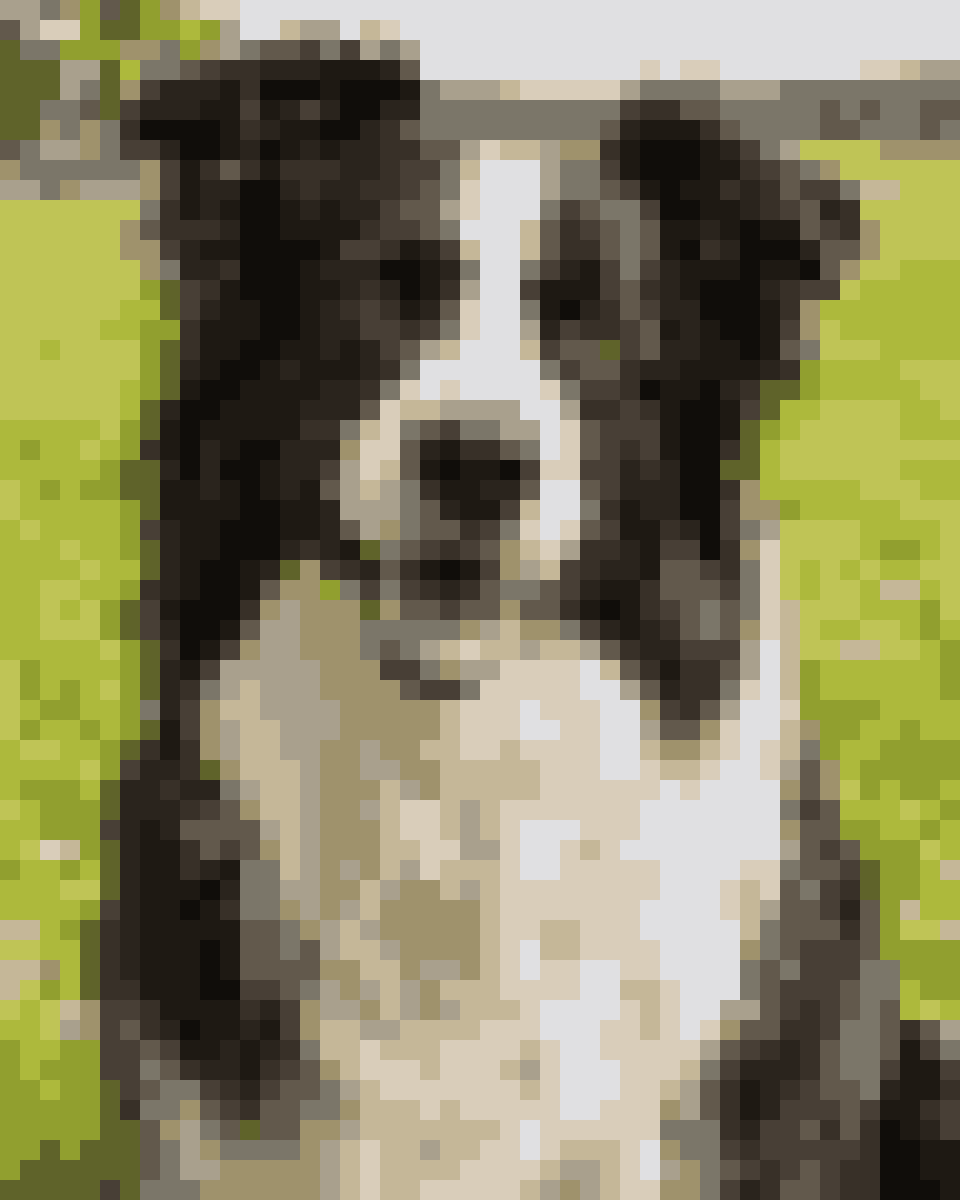
The collie as 48-by-60-cell pixel art in 16 colors taken from the photo
Pixel art

Converted on this device. Your photo is never uploaded.

A pixel art converter for sprites, avatars and craft grids

Most people who convert an image to pixel art want one of four things: a free tool they can trust with a private photo, a retro look, a sprite at an exact size, or a grid to copy cell by cell. Each setting below is in the tool above.

Free pixel art from a photo, with nothing uploaded

There is no account, no credit cost, no watermark and no daily limit. The converter runs in your browser: the photo is read, averaged into cells and recolored on your own phone or computer, so a private family picture never reaches our server.
Retro palettes or the photo's own colors

Keep the original colors for a mosaic look, or let the tool pick 1 to 64 colors from the photo for clean, flat areas. For a game look, map every cell to a 4-shade green handheld screen, a 16-color retro console palette or 8 shades of gray.

Image to pixel art at exact sizes like 32×32

Choose a grid of 16, 32, 48, 64 or 128 cells across; the height follows your photo. The 1-pixel-per-cell PNG is then exactly that size, ready to open in Aseprite, Piskel or a game engine. Start from a square photo for a square sprite.

A pixel art grid for Minecraft, beads and stitching

Switch on grid lines to get a chart where every cell is outlined, then count blocks for a Minecraft build or rows for a cross-stitch or fuse bead project. It is a reference image: we do not match bead brands or list color codes and quantities.

Picture to pixel art: four looks to start from

Every example below is real output from this converter. Use its settings to load them into the tool, then add your own photo or keep the example.

Black and white border collie with its mouth open in a sunny green meadow
Photo
The collie as 48-by-60-cell pixel art in 16 colors taken from the photo
Pixel art
Pets

A pixel pet portrait from a dog photo

A border collie on green grass keeps its black-and-white coat, bright eyes and pink tongue at 48 cells across. Sixteen colors from the photo give clean, flat areas: a sticker, avatar or game sprite of your own pet.

Settings

48 cells wide · 16 colors from the photo · no grid lines

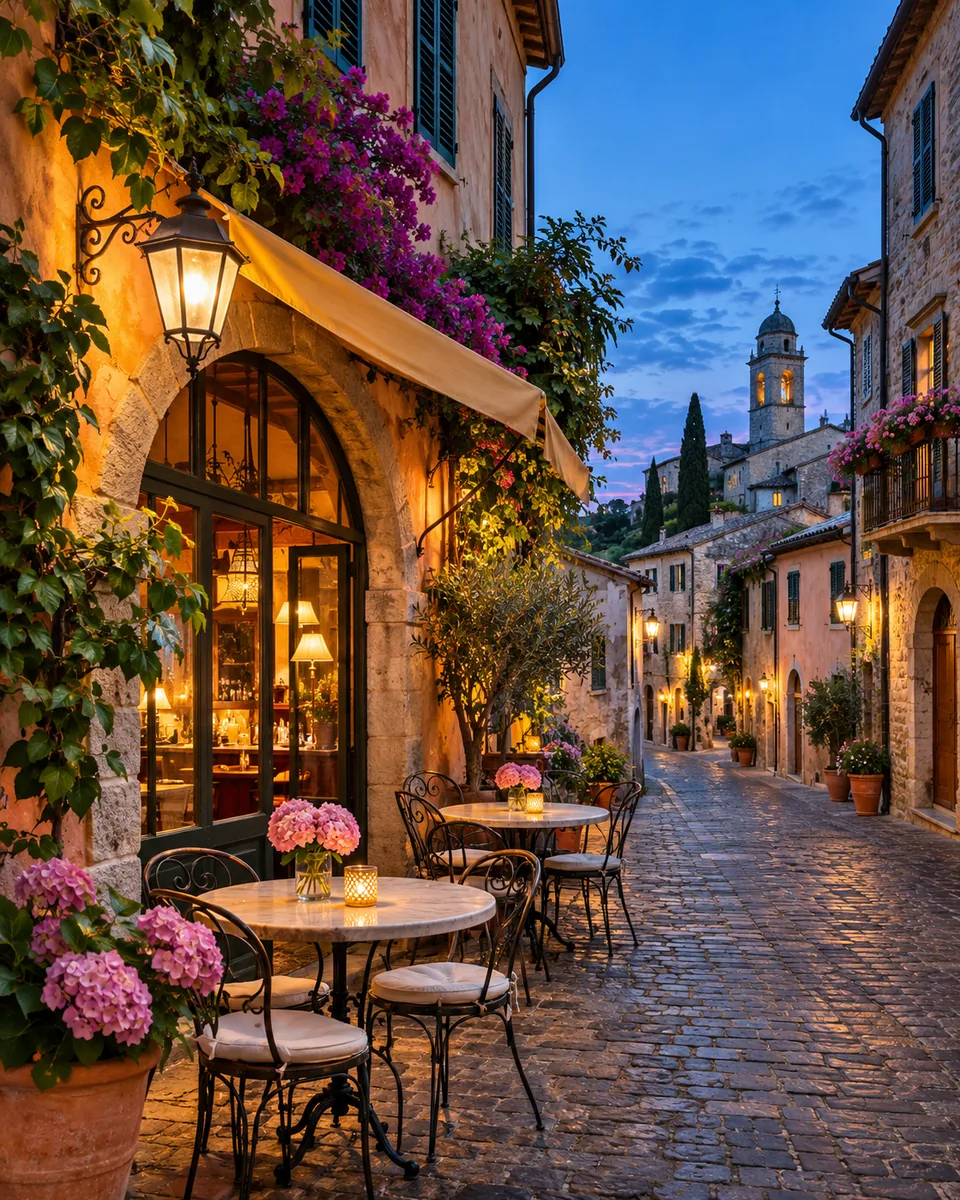
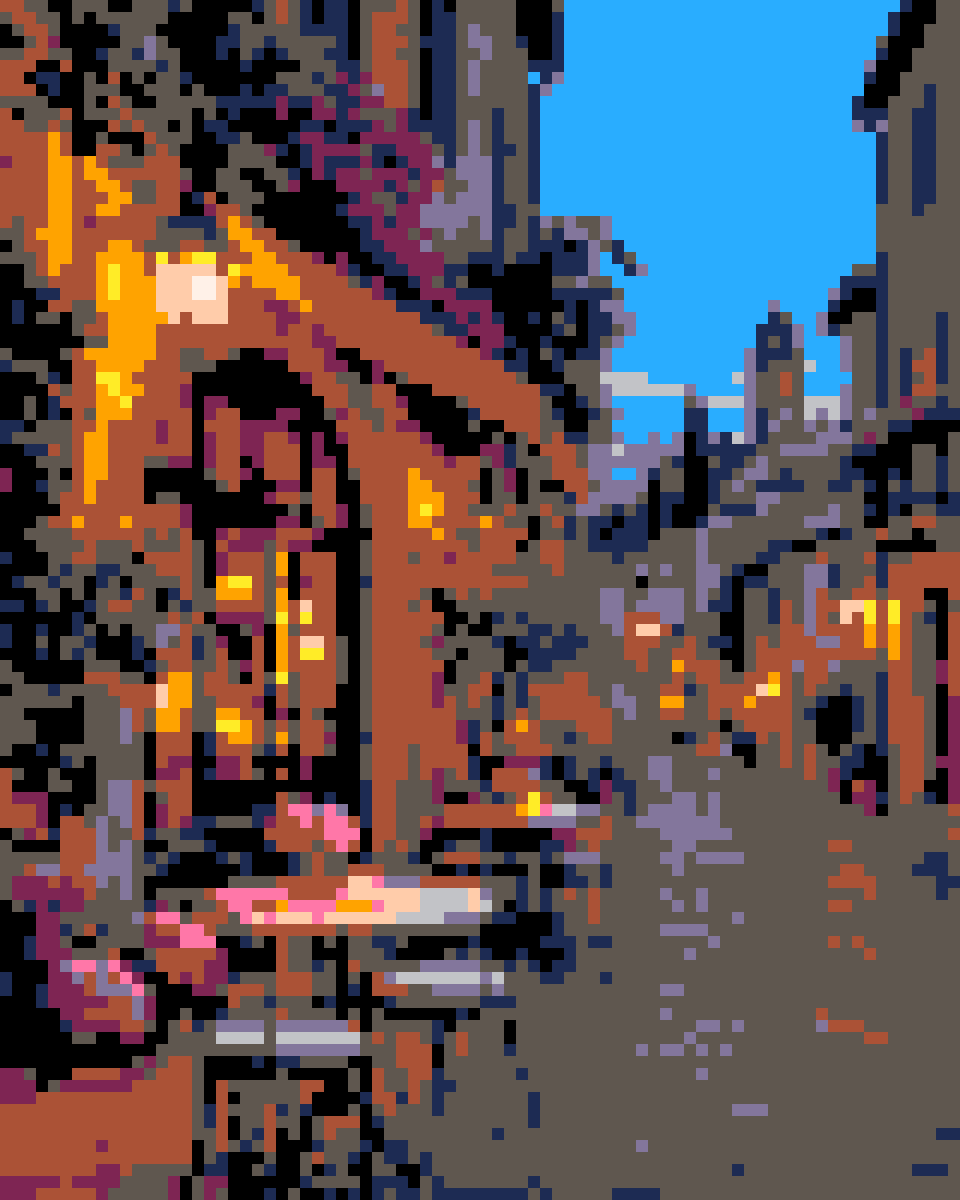
Cobblestone street with a lamplit cafe, flower-covered walls and outdoor tables under a blue sky
Photo
The street as 80-by-100-cell pixel art limited to a 16-color retro console palette
Pixel art
Retro game

A cafe street as a 16-color game town

A fixed 16-color console palette turns warm lamplight, flowered walls and blue sky into bold orange, pink and navy, like a town in an old adventure game. Fixed palettes change colors on purpose; pick the photo's own colors to keep them.

Settings

80 cells wide · 16-color retro palette

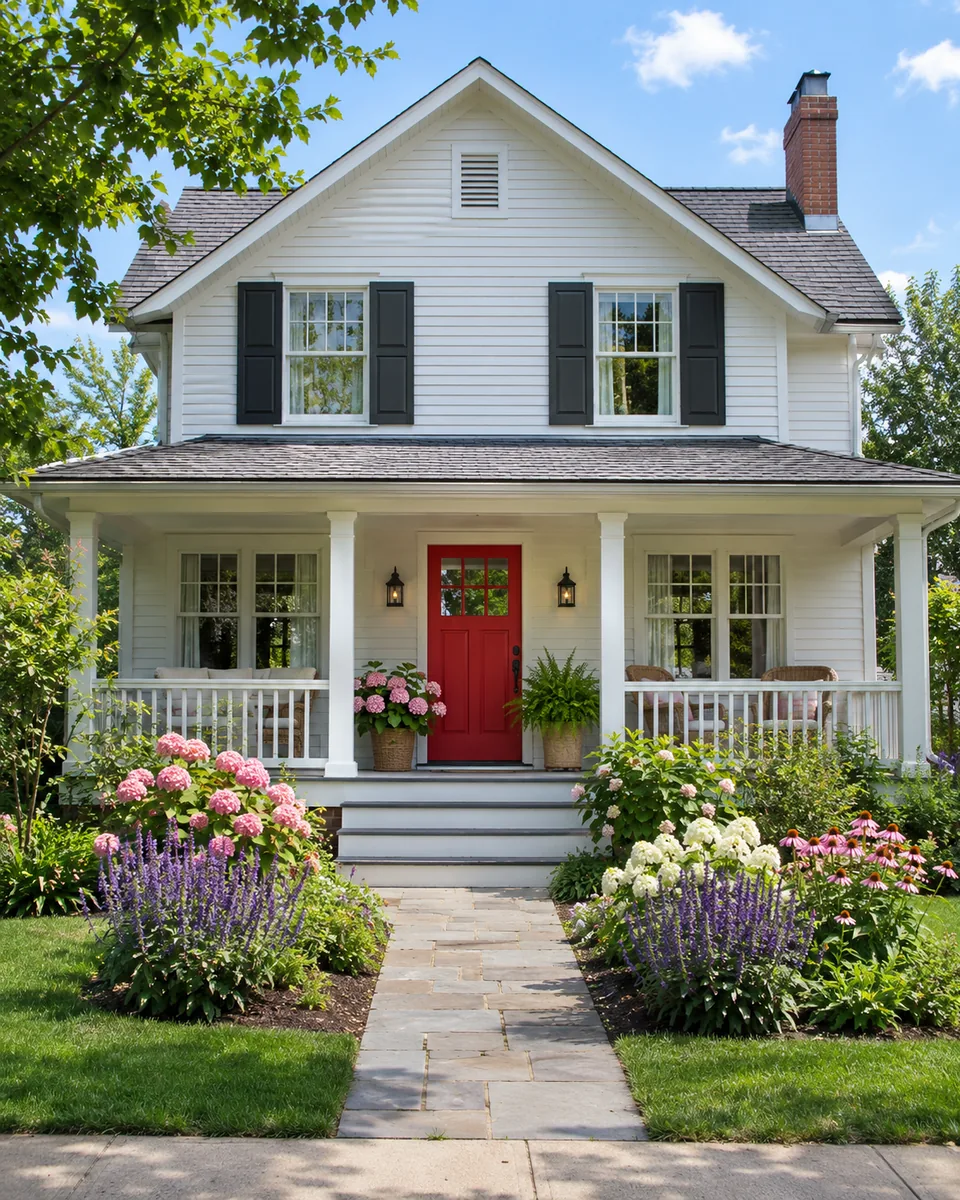
White two-story house with a red front door, a porch and flower beds under a blue sky
Photo
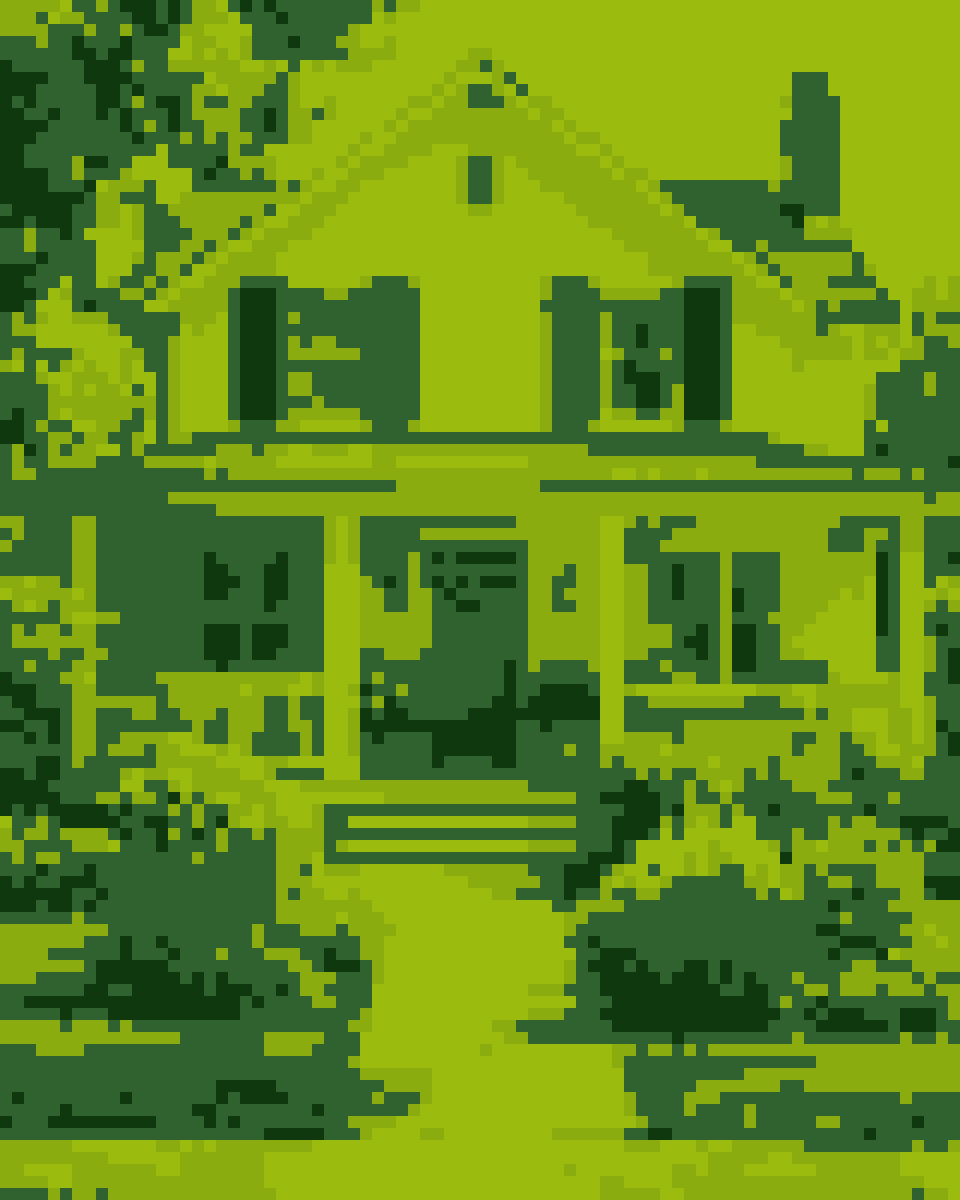
The house as 80-by-100-cell pixel art in four shades of green
Pixel art
Handheld screen

A house on a 4-shade green handheld screen

With only four greens, detail has to come from the grid, so this one uses 80 cells across. The porch, windows, path and flower beds still read clearly, like a screenshot from a 1990s handheld game.

Settings

80 cells wide · 4-shade green handheld palette

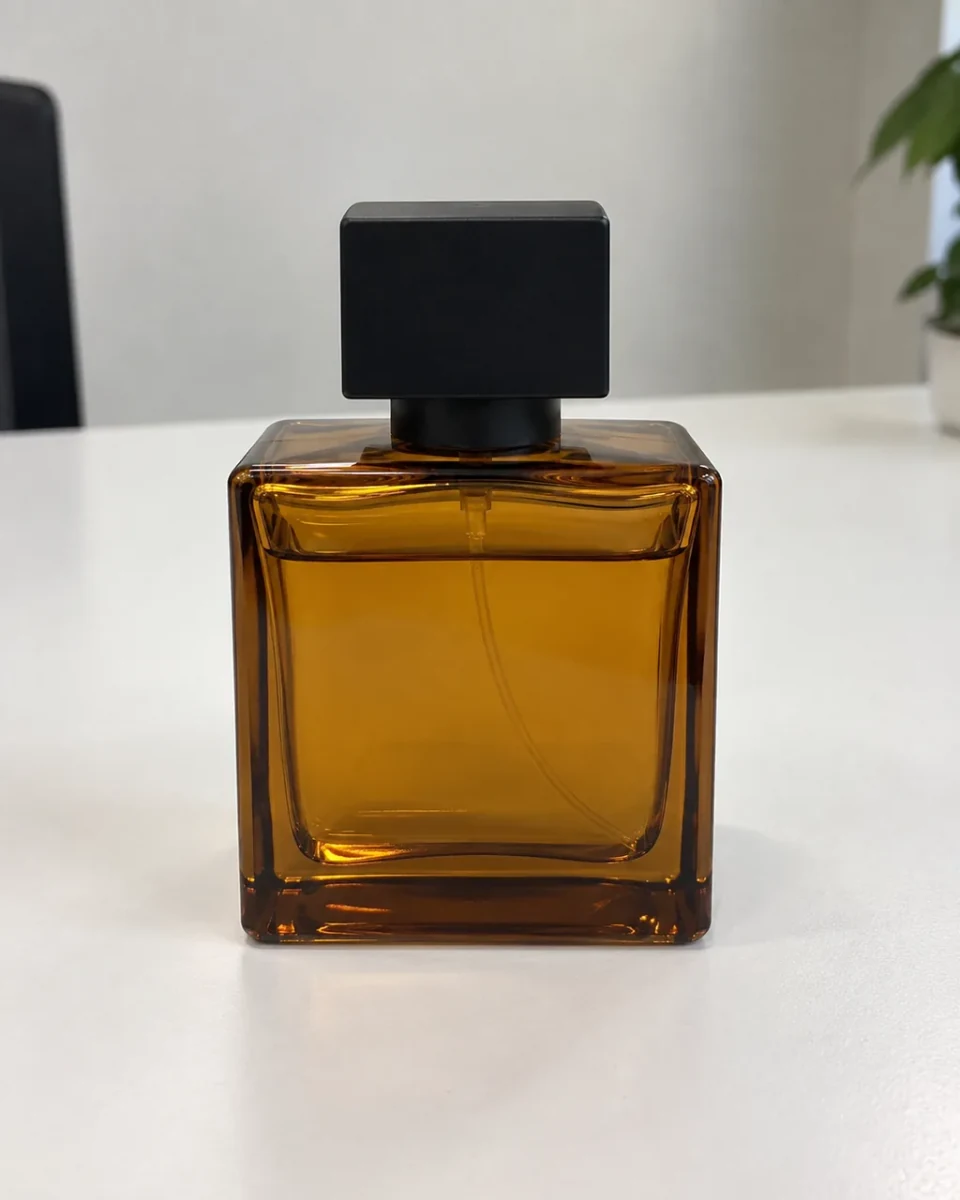
Square amber glass perfume bottle with a black cap on a white table
Photo
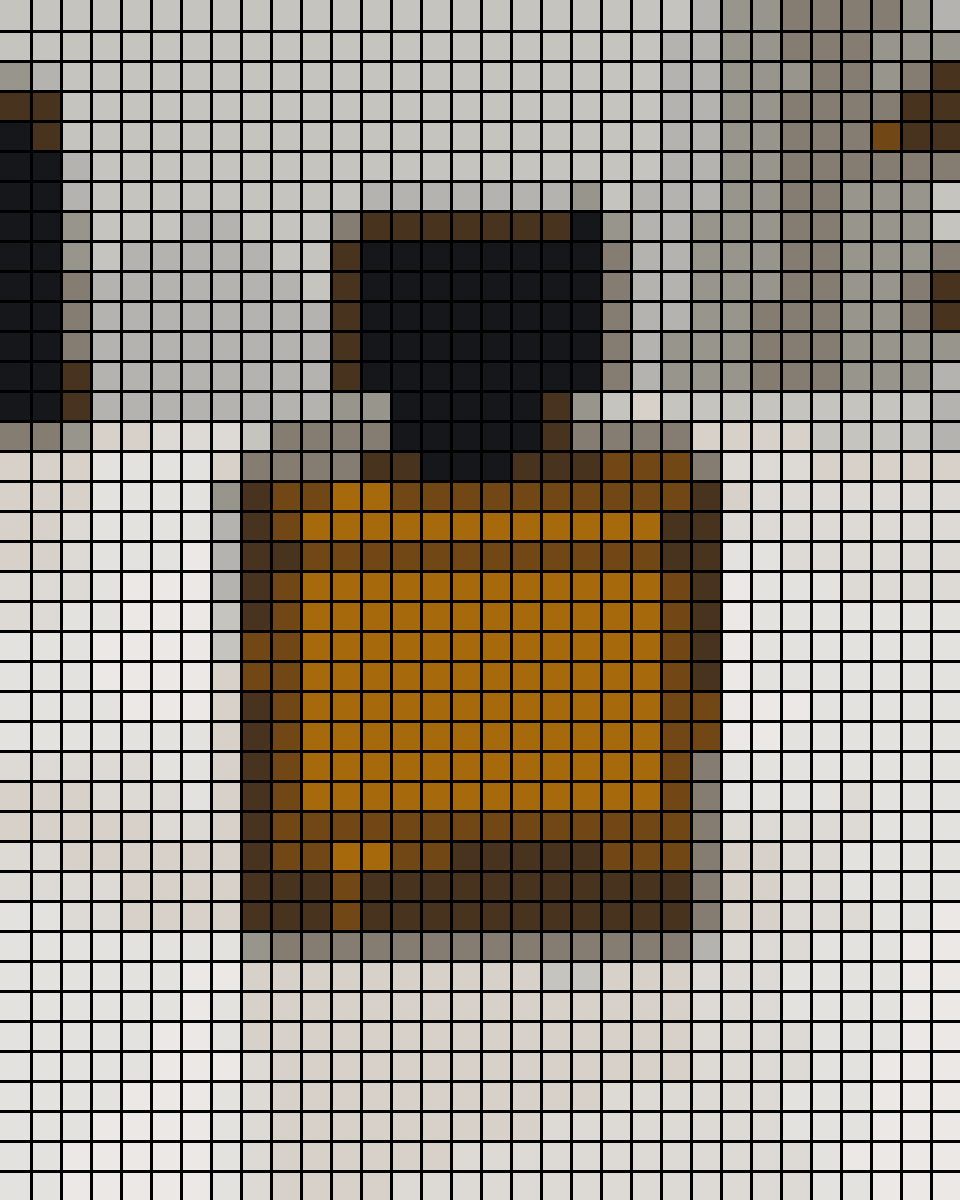
The bottle as a 32-by-40-cell pixel grid in 12 colors with dark lines around every cell
Pixel art
Craft grid

A simple object as a grid you can count

Coarse cells, twelve colors and dark grid lines turn an amber perfume bottle into a 32-by-40 chart. A bold shape on a plain background is easy to count square by square for cross-stitch, fuse beads or a Minecraft wall; colors match the photo, not a bead brand.

Settings

32 cells wide · 12 colors from the photo · dark grid lines

How to turn a photo into pixel art

Three steps, all on this page: add a photo, choose the detail and colors, download. The preview updates as you change each setting.

  1. Black and white border collie with its mouth open in a sunny green meadow
    Your photo

    Step 1: Add your photo

    Drop in or choose a JPG, PNG or WebP up to 10 MB. A clear subject on a simple background gives the cleanest pixel art.

  2. Settings

    48 cells wide · 16 colors from the photo · no grid lines

    Step 2: Set the detail and colors

    Pick a grid width or a pixel size, then a palette. Fewer cells and colors look more retro; more keep faces readable.

  3. The collie as 48-by-60-cell pixel art in 16 colors taken from the photo
    Pixel art

    Step 3: Download the PNG

    Save the enlarged PNG to share or print, or the 1-pixel-per-cell PNG to keep editing in a pixel art app.

Want a redrawn look instead?

For an AI-redrawn retro game look, try the image-to-image generator. Or turn the same photo into a painting or a pencil drawing.

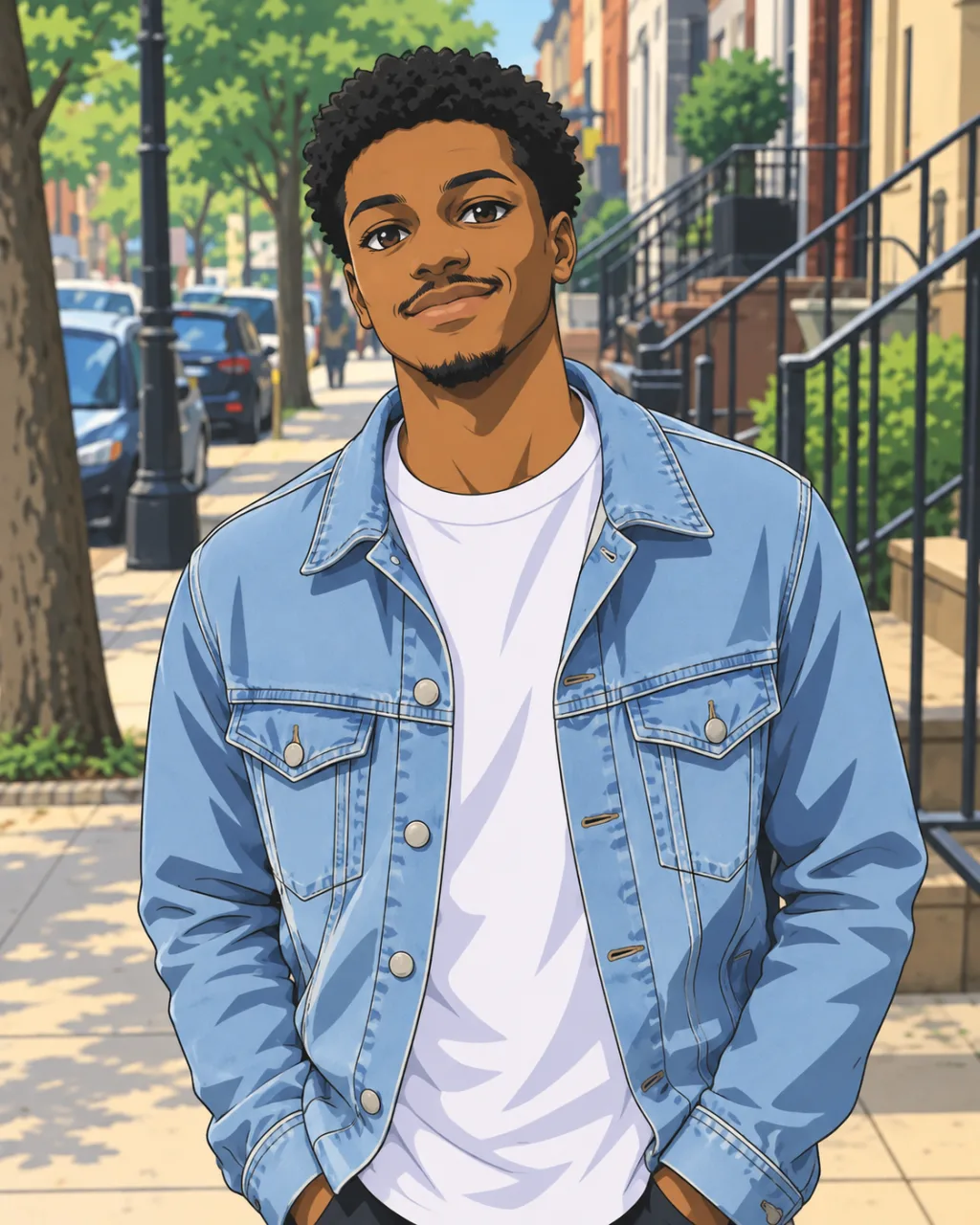
Portrait before anime restyling with the image generatorPortrait restyled as anime with the AI image generatorBeforeAfter

Image to Image AI Generator to Restyle Any Photo

Describe the change you want and turn any photo into anime, watercolor, a product ad or a whole new scene.

Restyle a photo
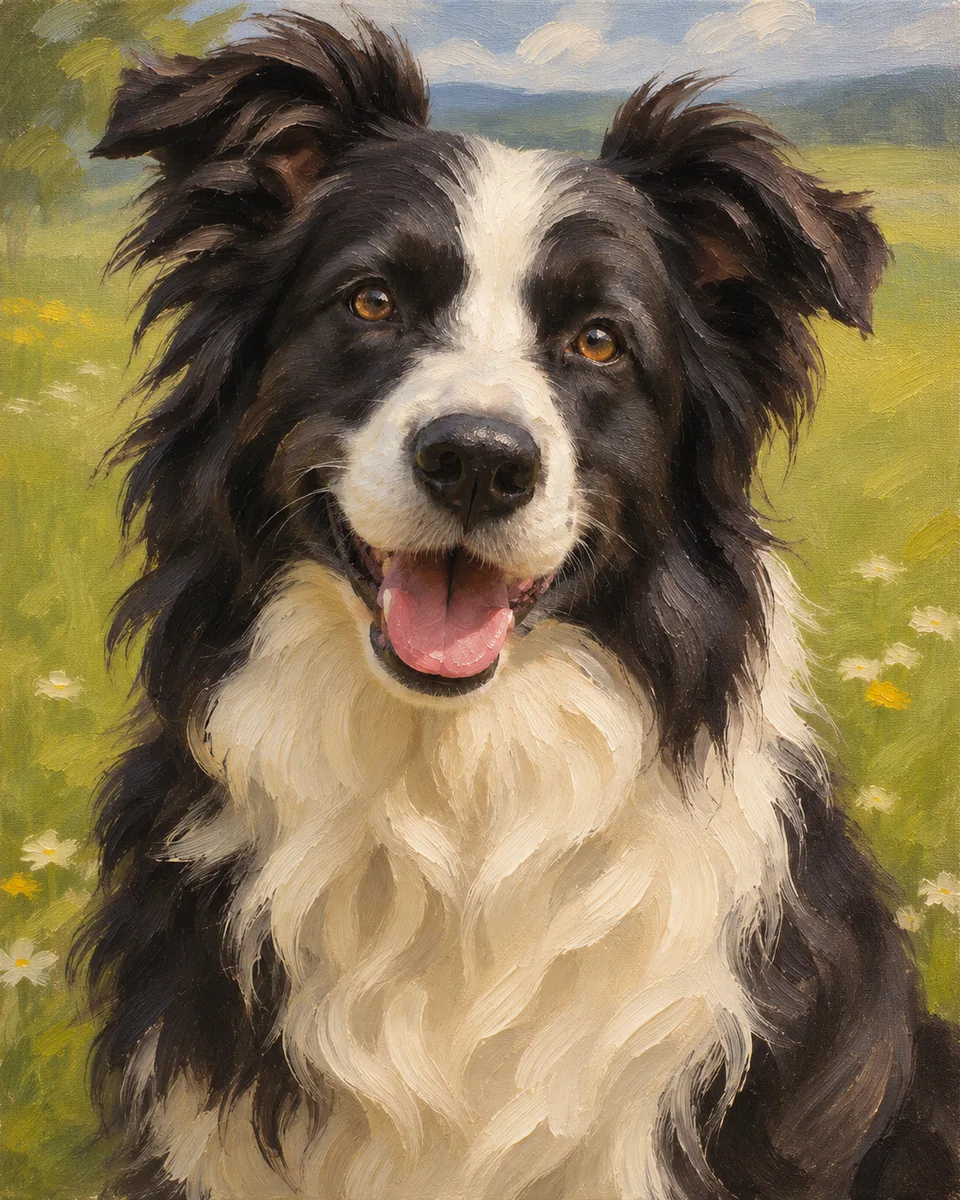
Black and white border collie with an open-mouthed smile sitting in a sunny meadowOil painting of the same border collie, with visible brushstrokes in the fur and a softened meadow behindBeforeAfter

Photo to Painting in Oil, Watercolor and More

Turn a pet, a wedding photo, your home or a trip into a painting to hang, frame or give, with the face still recognizable.

Paint my photo
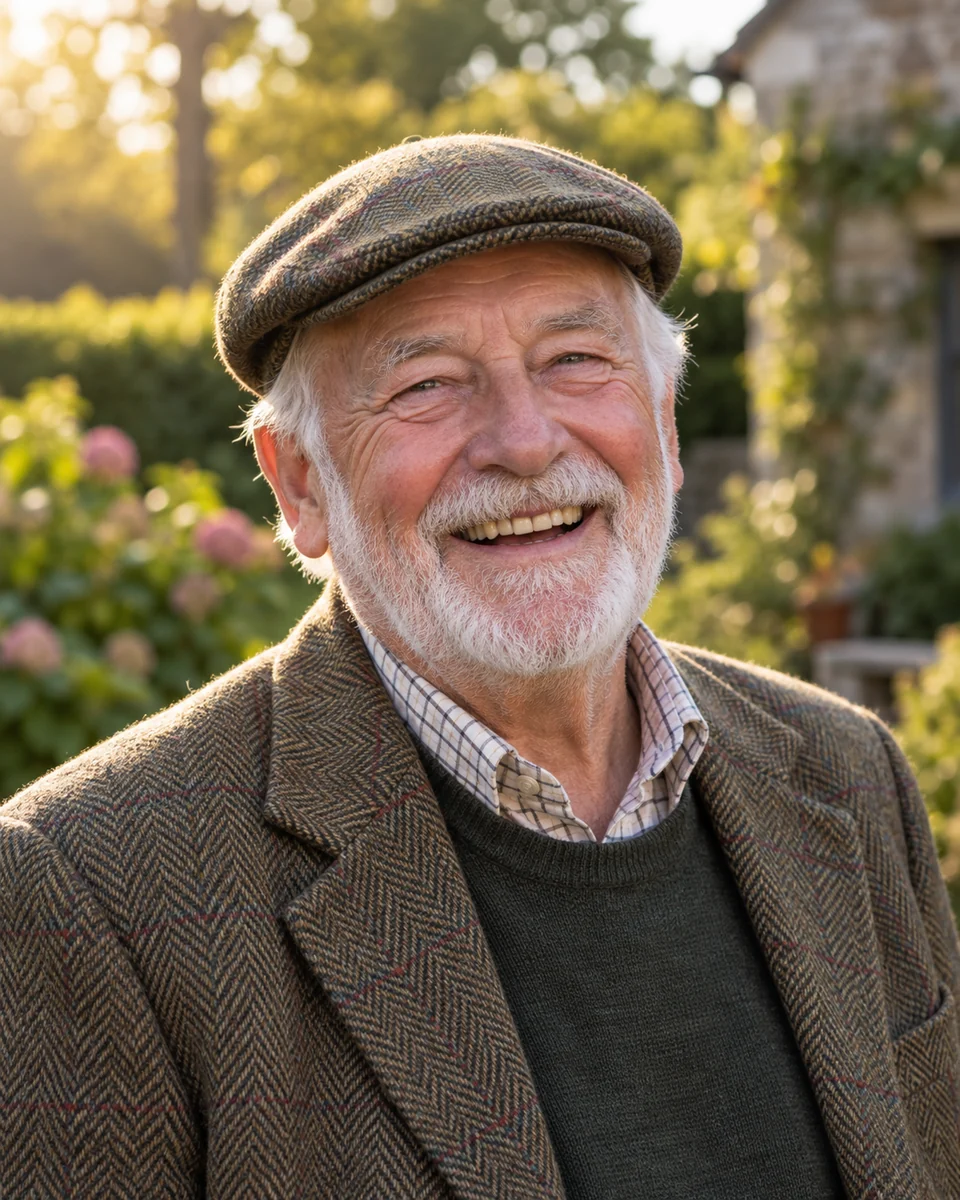
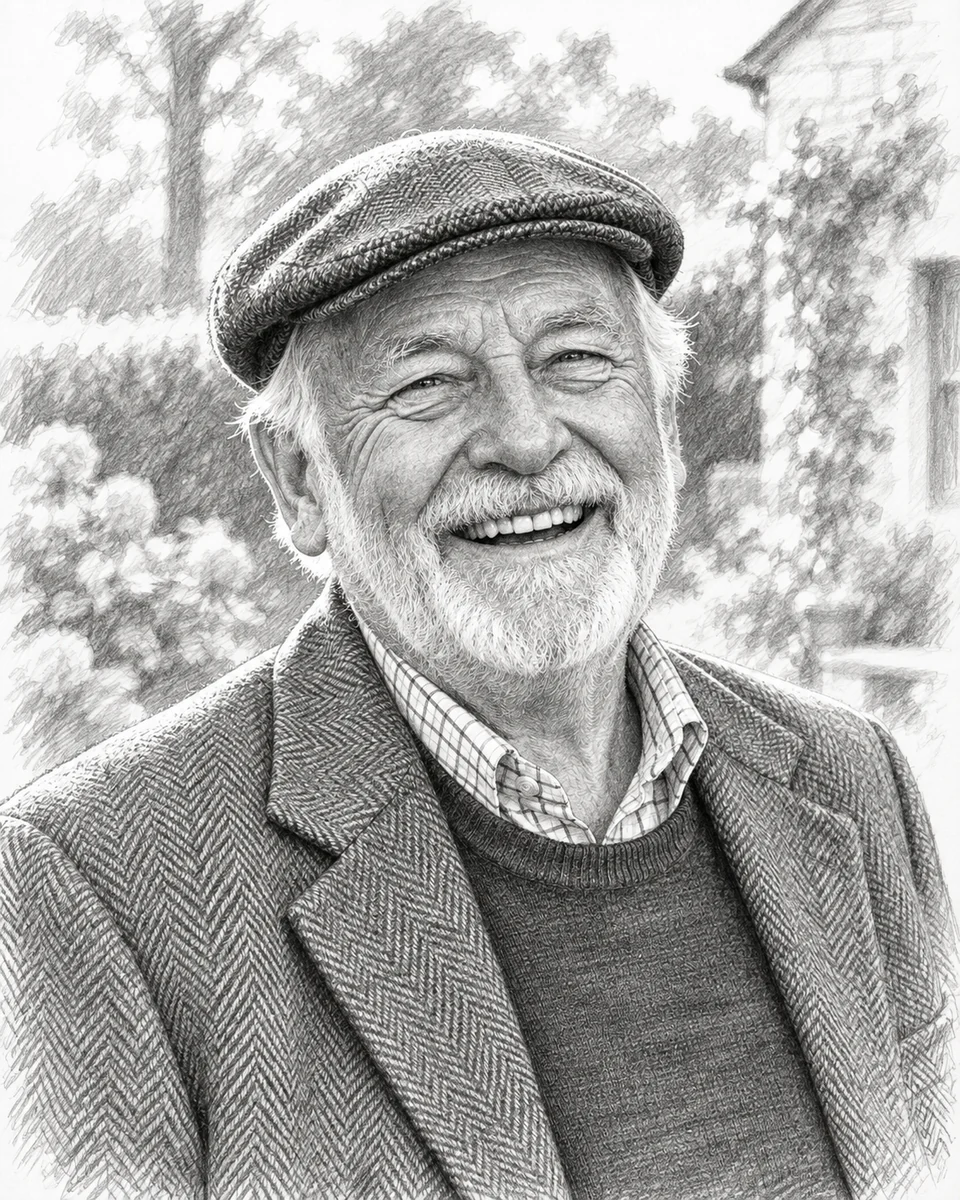
Laughing elderly man with a white beard in a flat cap and tweed jacket in a sunny gardenGraphite pencil drawing of the same laughing man, with the garden fading into white paperBeforeAfter

Picture to Drawing in Pencil, Ink, Charcoal and More

Turn a family photo, a pet or a favorite place into hand-drawn art to frame, give, trace or cut out.

Draw my photo

Photo to pixel art questions, answered

Cost, privacy, sprite sizes, palettes, downloads and crafts: what people ask before they convert a picture to pixel art.

Add the photo above, choose how many cells it should have across (or a pixel size), pick a color option and check the preview. When it looks right, download the PNG. Every change redraws in a moment, so it is quick to try 32, 48 and 64 cells and compare.