
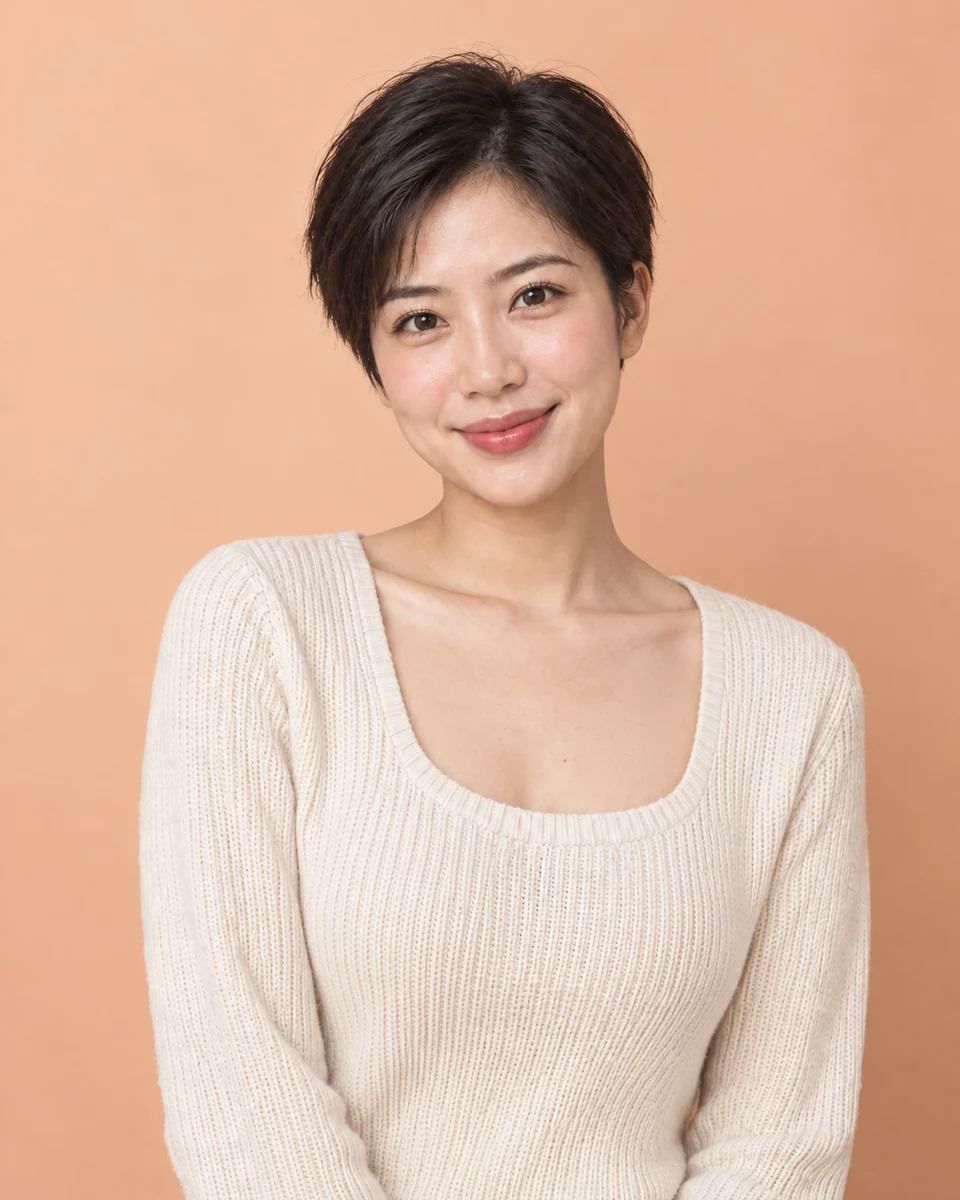
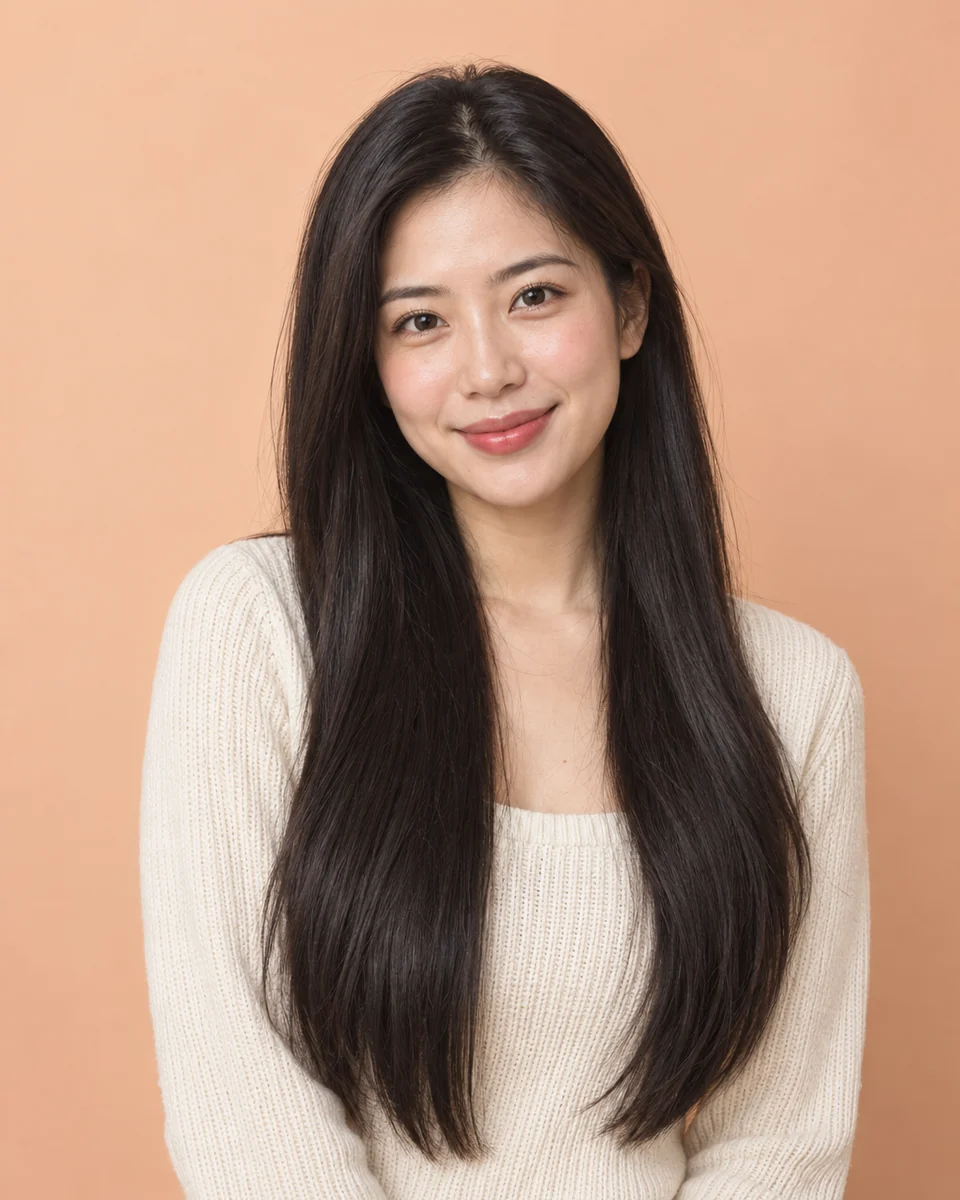
 BeforeAfter
Pixie cut
From waist-length hair to a pixie
The boldest change you can make, tested in seconds. Her face, smile and cream sweater stay exactly the same; only the long black hair becomes a soft, cropped pixie.
Tap a cut or a color to see it on our model, then upload a selfie to see it on you. Only your hair changes; your face, clothes and background stay as they are.
 BeforeAfter
Four before-and-after examples: a big chop, longer curls, a men's fade and a new color. Tap a look to try it on your own photo.
BeforeAfterThe boldest change you can make, tested in seconds. Her face, smile and cream sweater stay exactly the same; only the long black hair becomes a soft, cropped pixie.
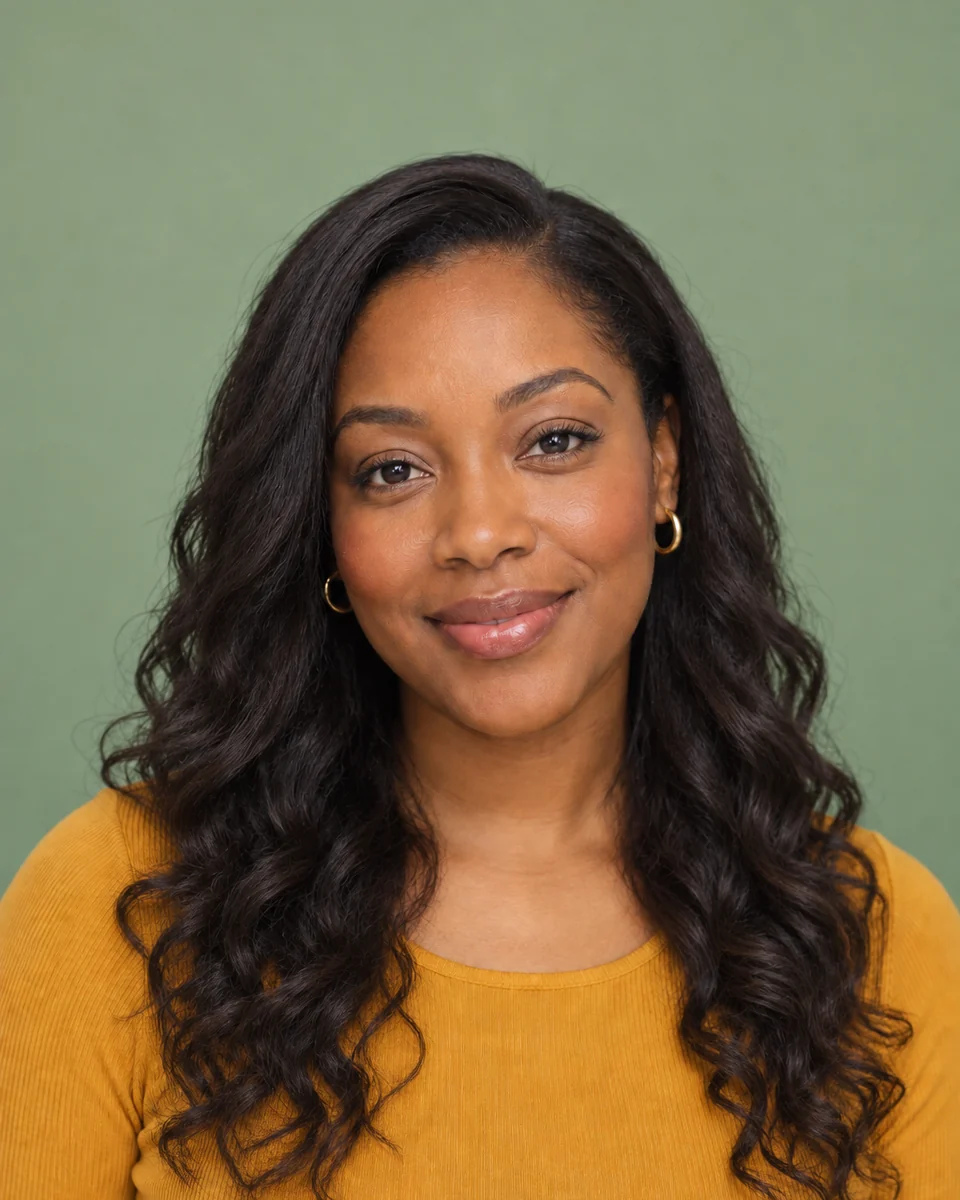
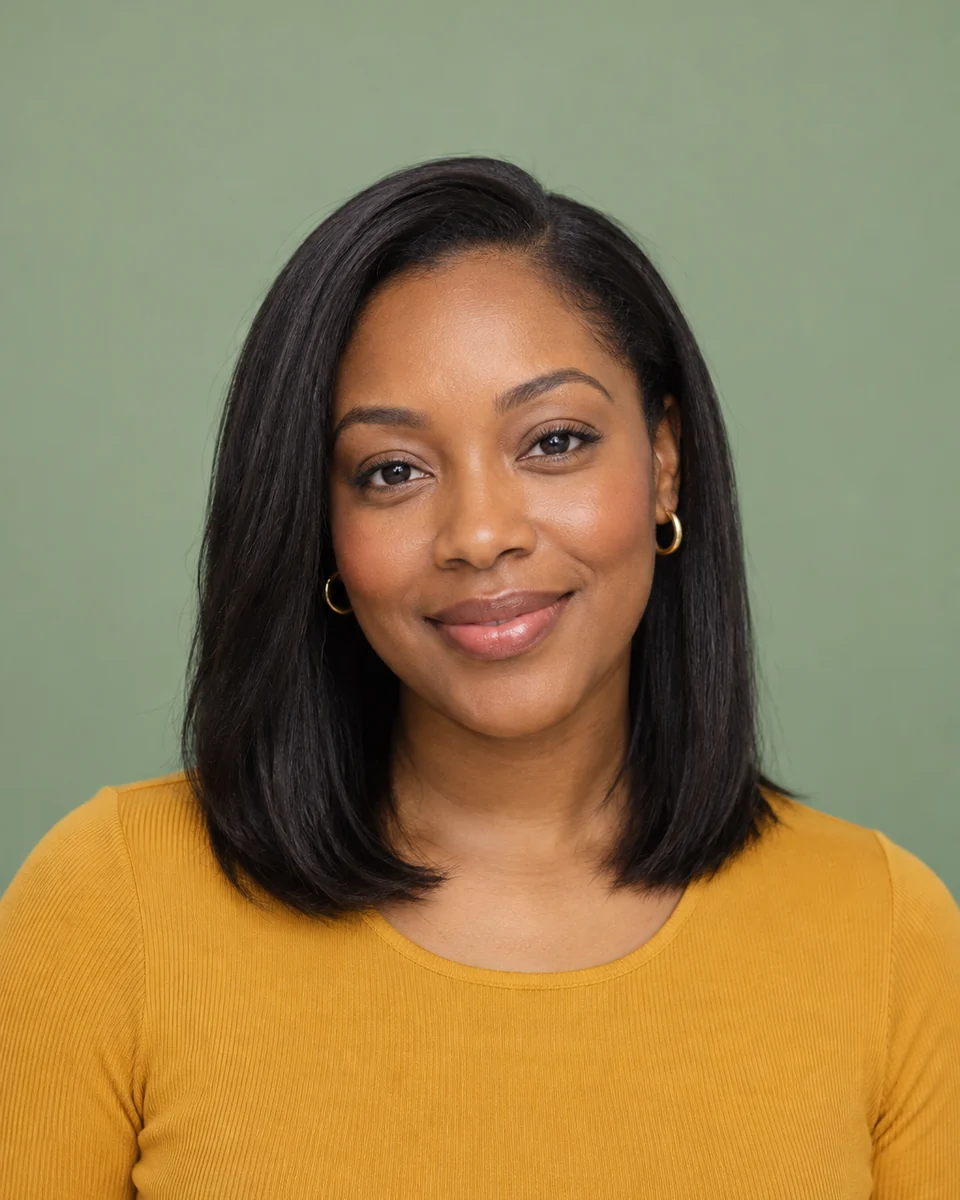 BeforeAfter
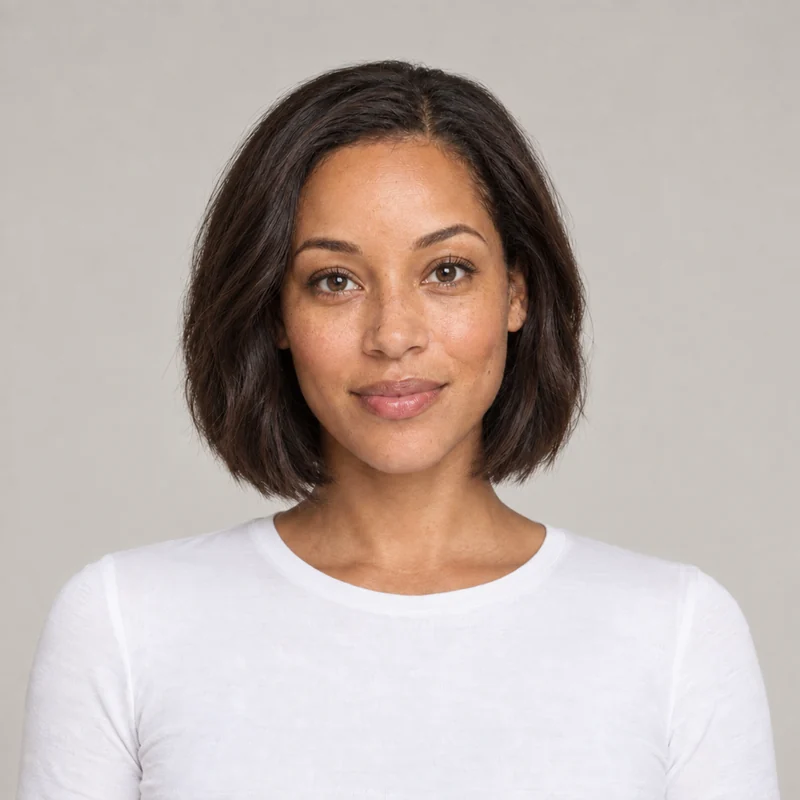
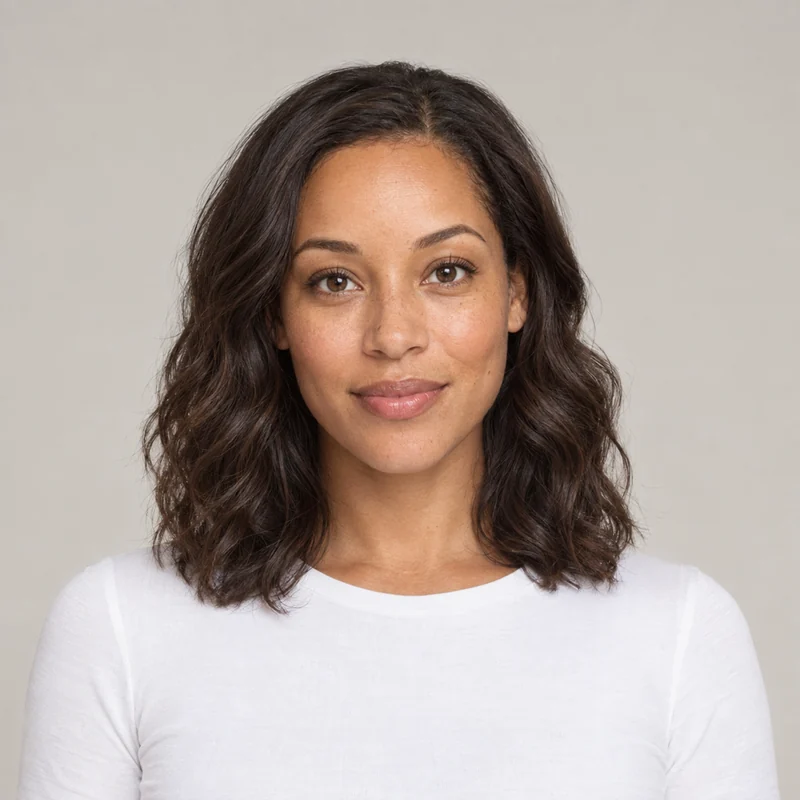
Her straight shoulder-length hair grows into big, soft curls past the shoulders. See how extra length and volume frame your face before you commit to extensions or a perm.

 BeforeAfter
Months of growth gone in one tap: short faded sides, a textured top, and his ears and forehead finally on show. Save it and show your barber exactly what you want.

 BeforeAfter
Same cut, same length, a completely different mood. Check how a light blonde works with your skin tone before you book a bleach appointment.
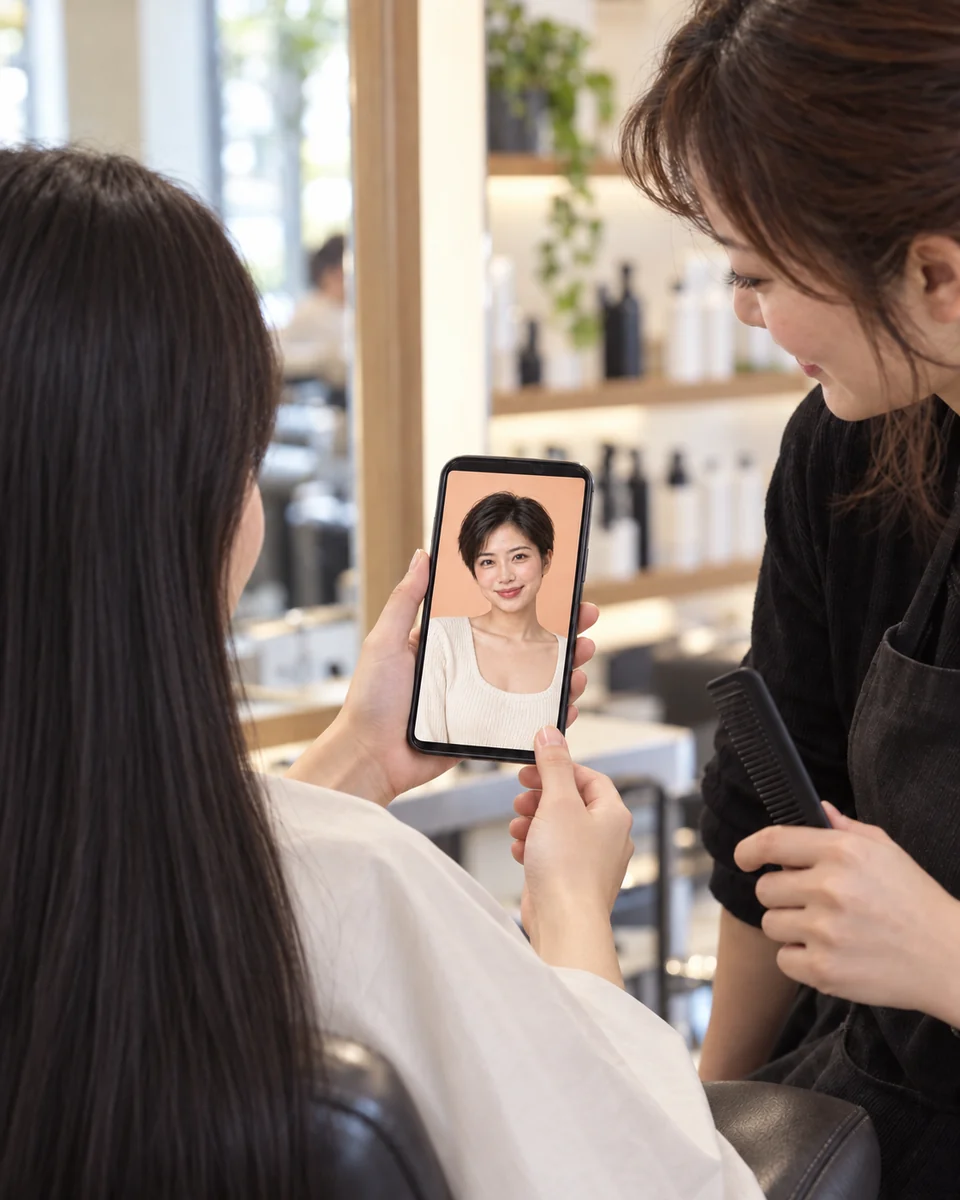
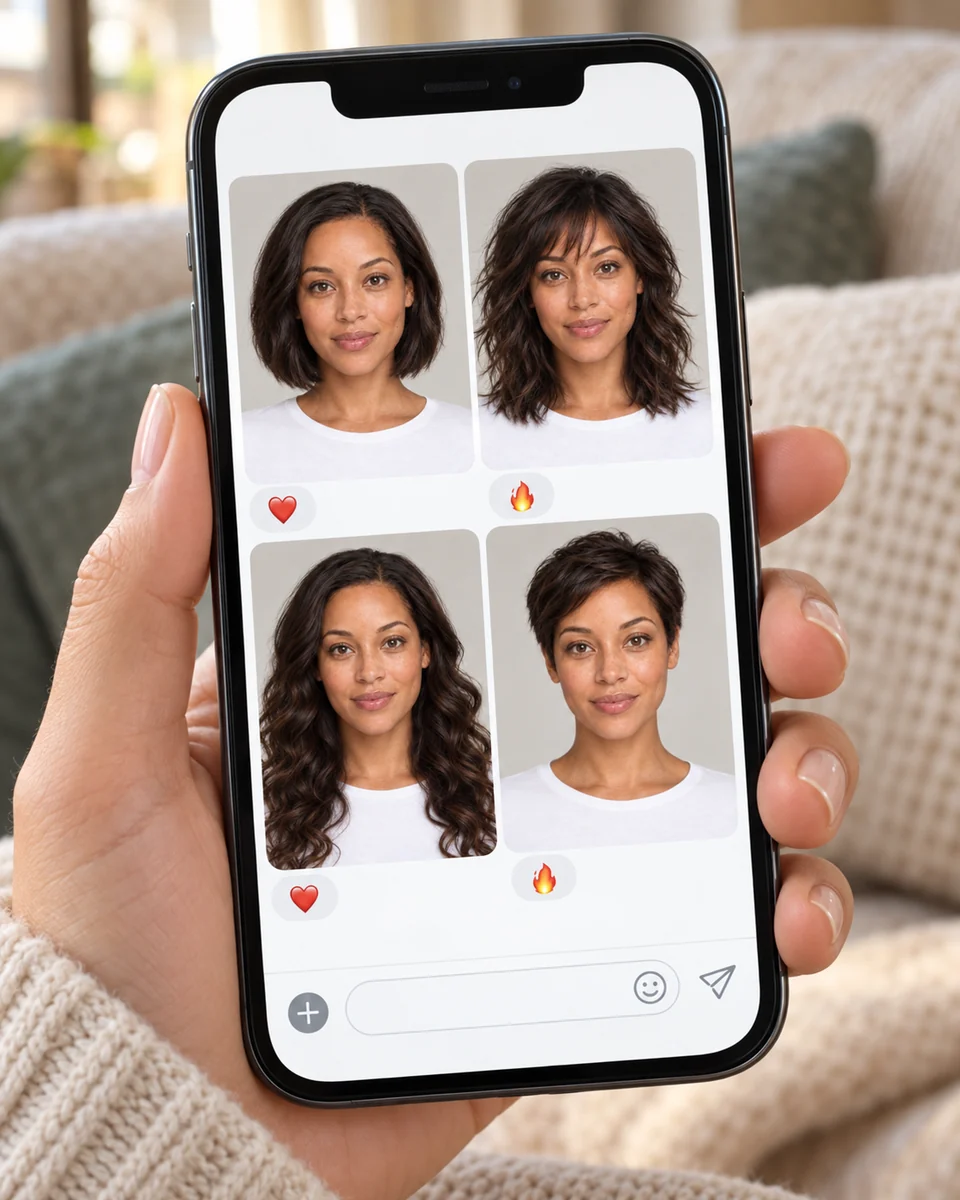
A preview pays off when it changes what you ask for. Show it to your stylist, let friends vote, or test a shade before you dye.
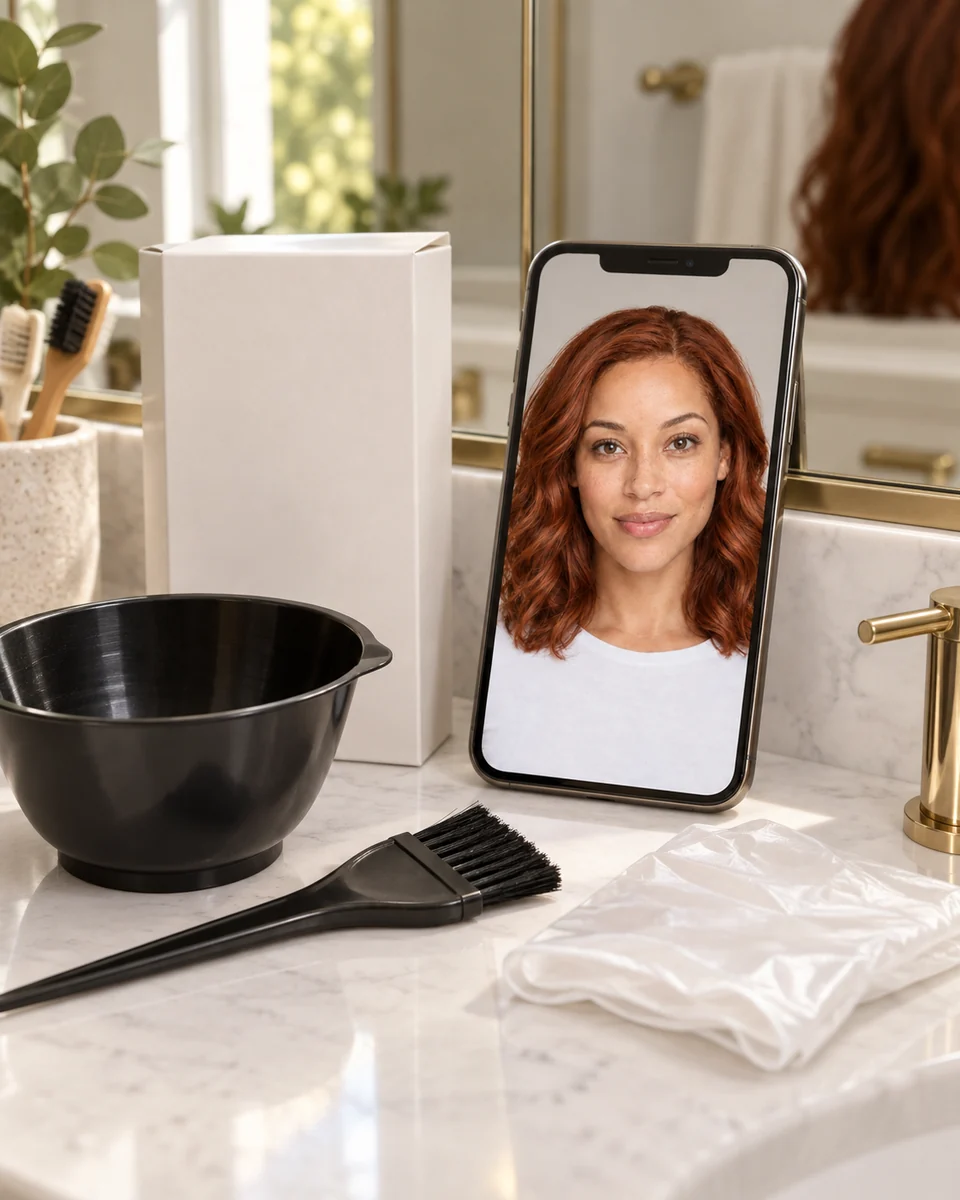
Try on hairstyles in three taps, with no app to install and nothing to write. Your photo stays as it is; only the hair changes.
Use a clear, front-facing photo with your whole head in view. JPG, PNG or WebP up to 10 MB.
Tap any of 20 cuts or 12 colors to see it on our model, then keep a cut, a color or both. Add a few words like 'collarbone length' if you like.
See the new look next to your photo, download the PNG and show it to your stylist. Try another look without uploading again.
Restyle the whole photo, turn your new look into a pencil portrait, or combine it with another picture.

 BeforeAfter
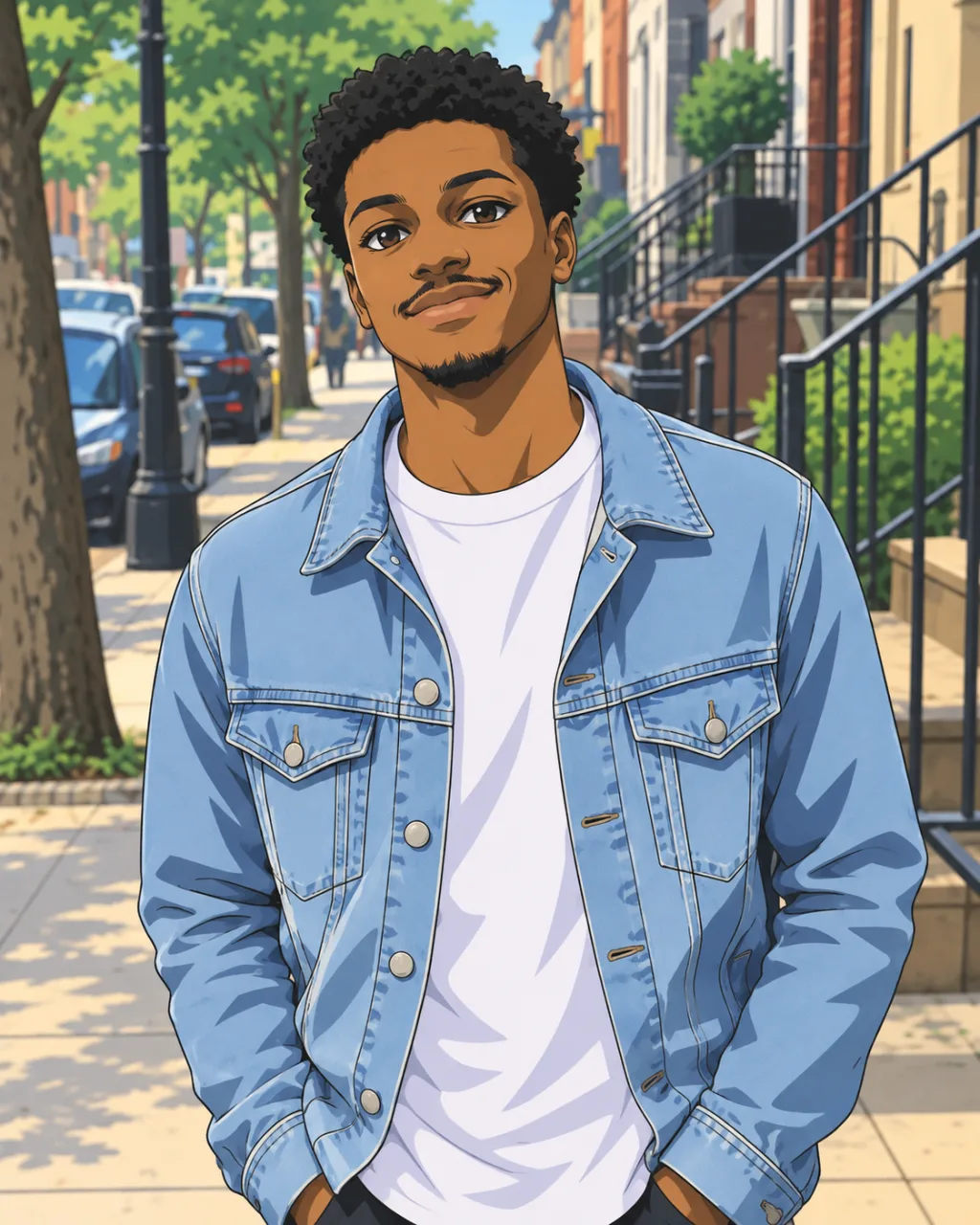
Describe the change you want and turn any photo into anime, watercolor, a product ad or a whole new scene.
Restyle a photo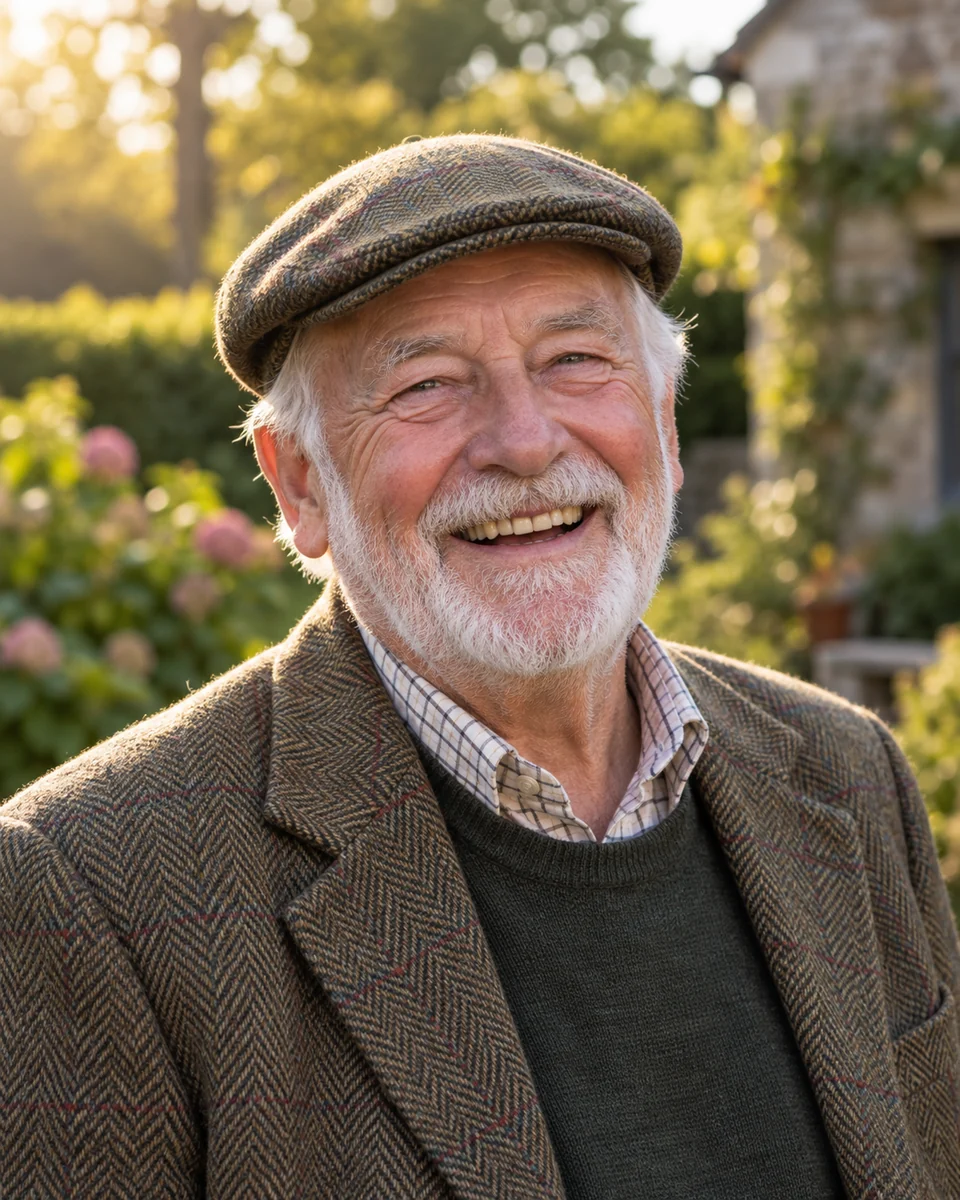
 BeforeAfter
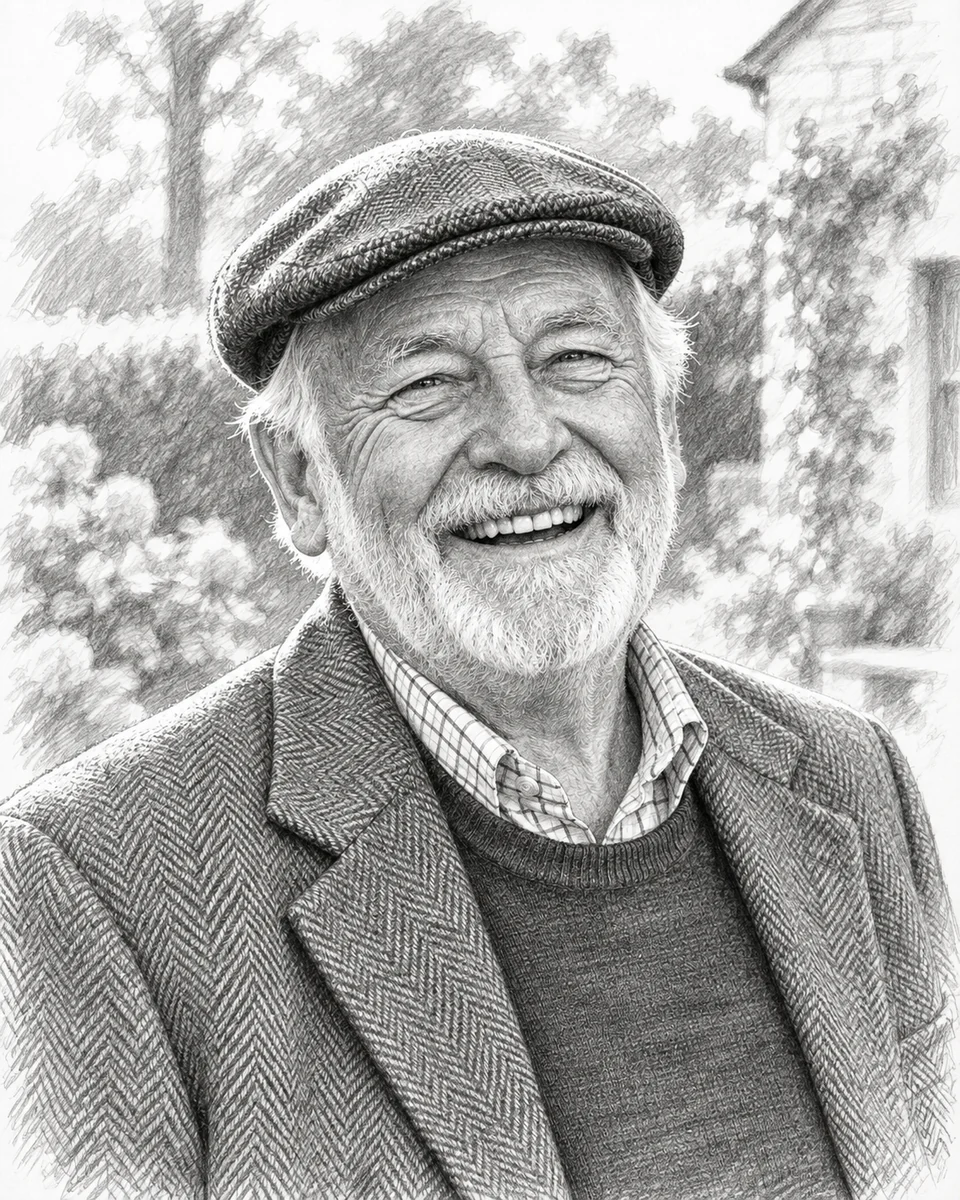
Turn a family photo, a pet or a favorite place into hand-drawn art to frame, give, trace or cut out.
Draw my photo
 BeforeAfter
Place a product in a room or a person in a new setting. Light and perspective are matched, so the result looks real.
Combine photosCost, realism, men's cuts, colors and privacy: what to know before you use the hairstyle changer.
Yes, to start. Without an account you can create free Standard images, 1 every 24 hours. After that, sign in and keep going with credits: Standard 1, Pro 3 per image.
Yes. Upload one selfie and try as many looks as you like: pick a cut, a color or both, generate, then pick the next one. Your photo stays loaded, so each new look takes two taps.
Yes. Pick a cut and a color together and both change in one image. Pick only a color to keep your current cut, or only a cut to keep your current color.
It won't score your face shape, but it lets you see for yourself. Try a few cuts on the same photo, compare them side by side and keep the one that looks most like you.
Yes. Switch to Men for a low fade, textured crop, buzz cut, side part, quiff, curly top taper, slicked back or long flow, or describe your own cut.
The edit changes only your hair and keeps your face, expression, clothes and background. Small differences can appear, so compare the result with your original photo before you share it.
A clear, front-facing selfie of one person, with the whole head and hairline in view. Skip hats and sunglasses. JPG, PNG or WebP up to 10 MB.
Your photo is used only to create your previews, as our privacy policy describes. Results are stored at unlisted links: anyone who has a link can open it, so share links with care.