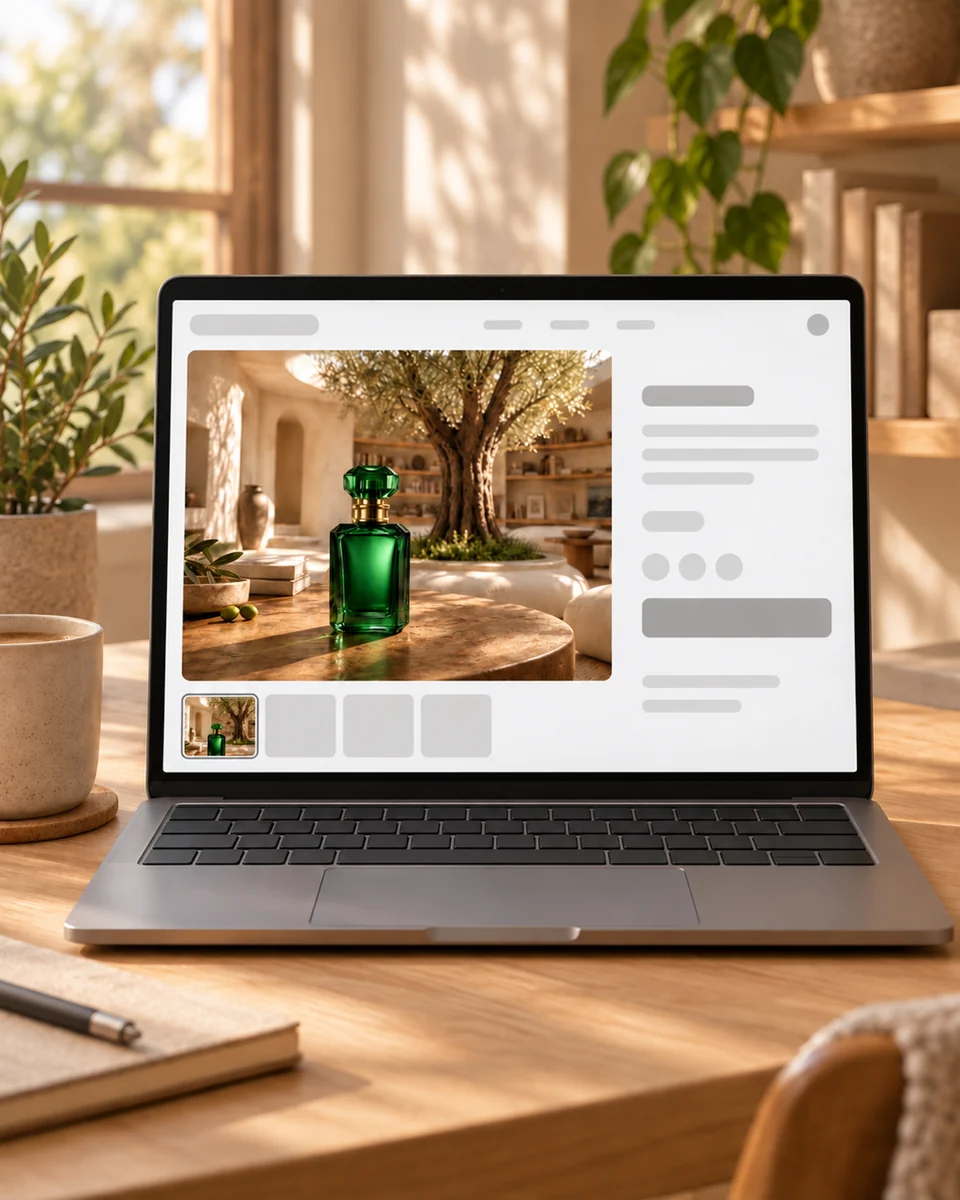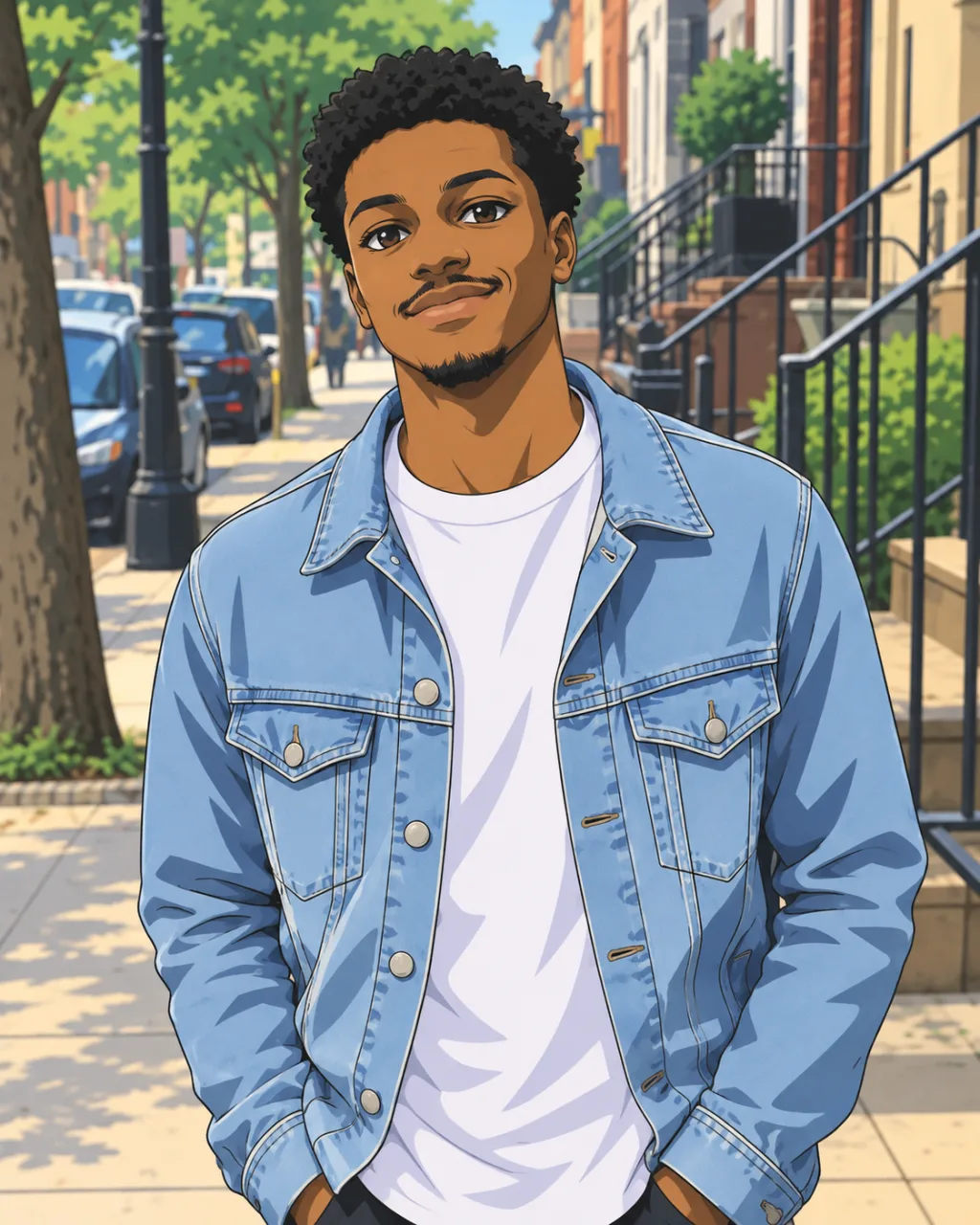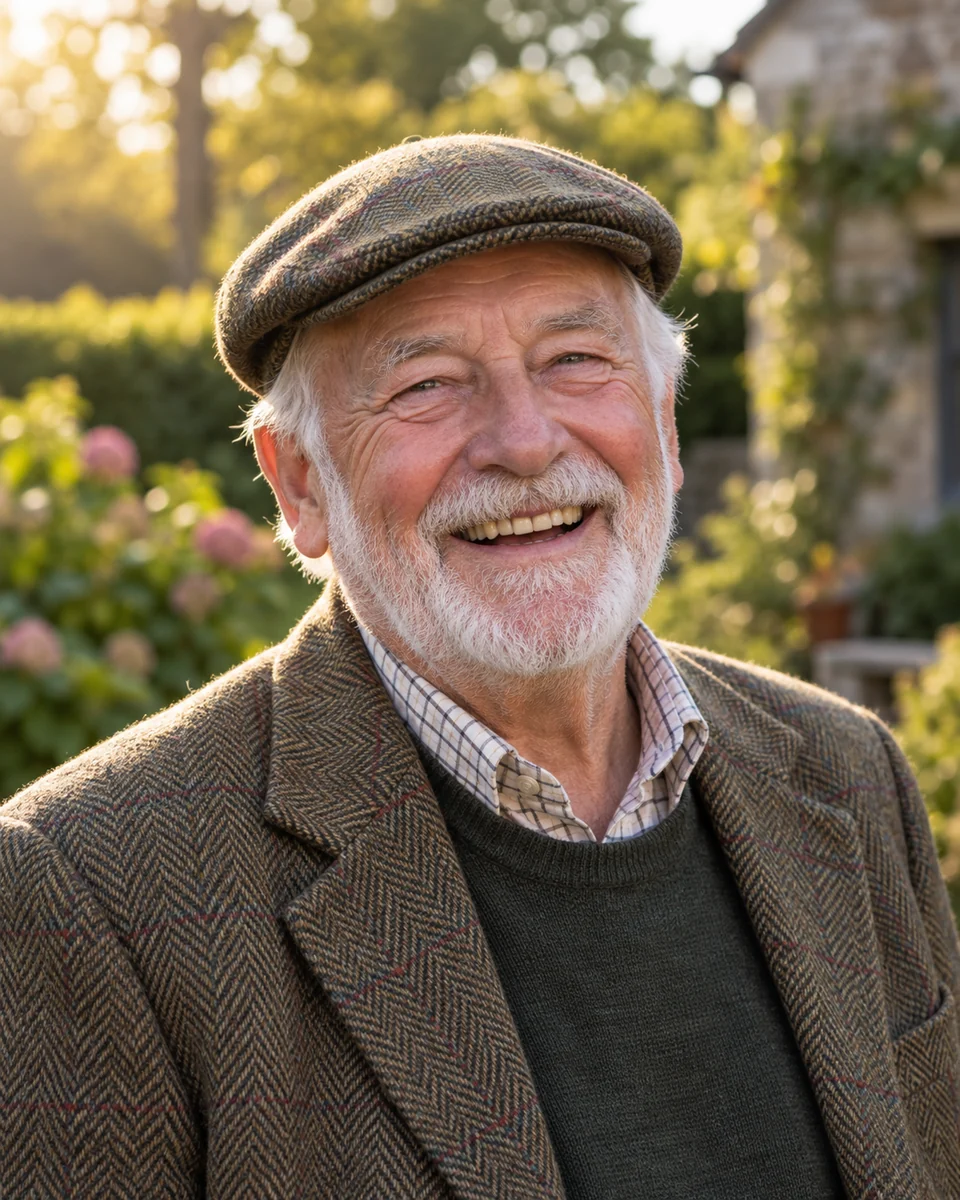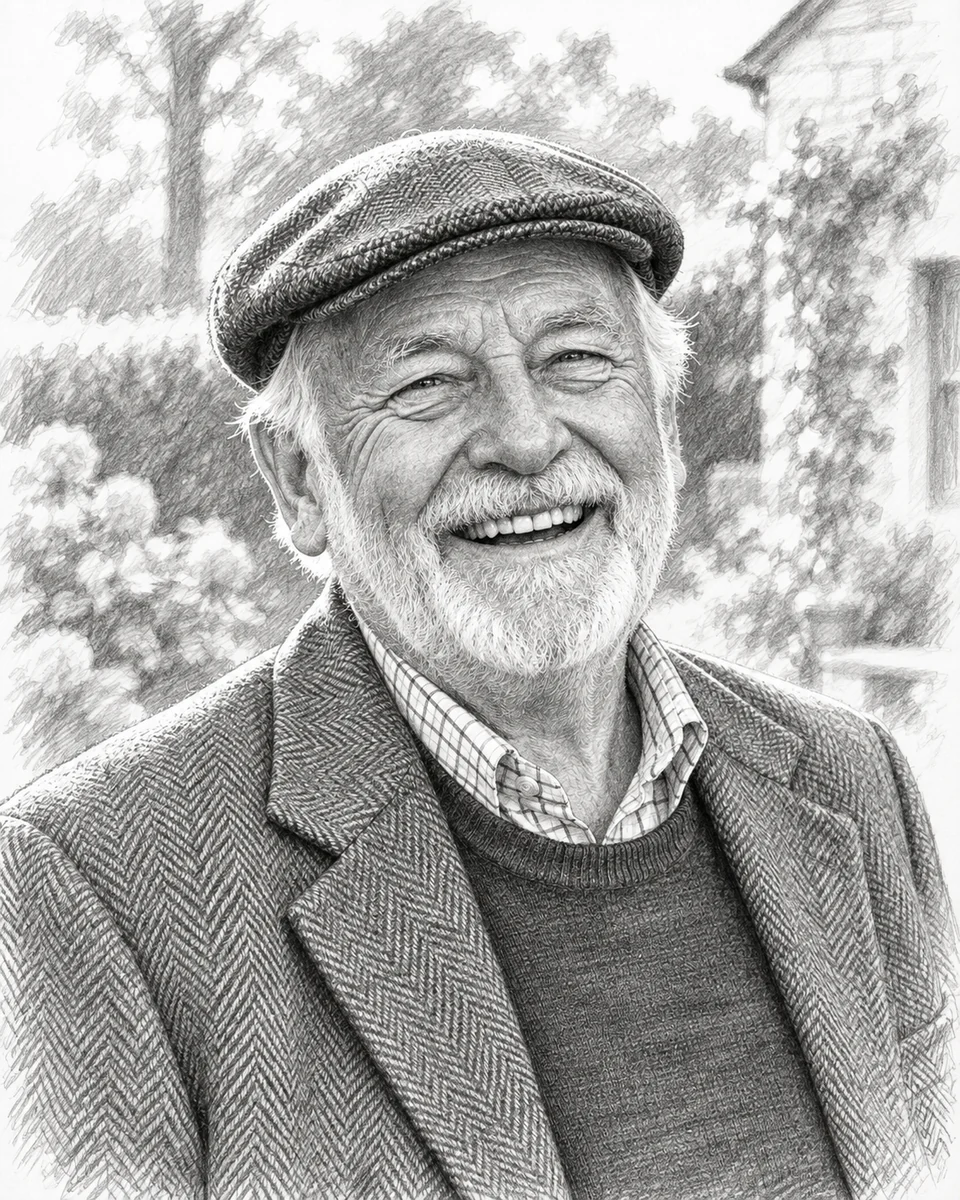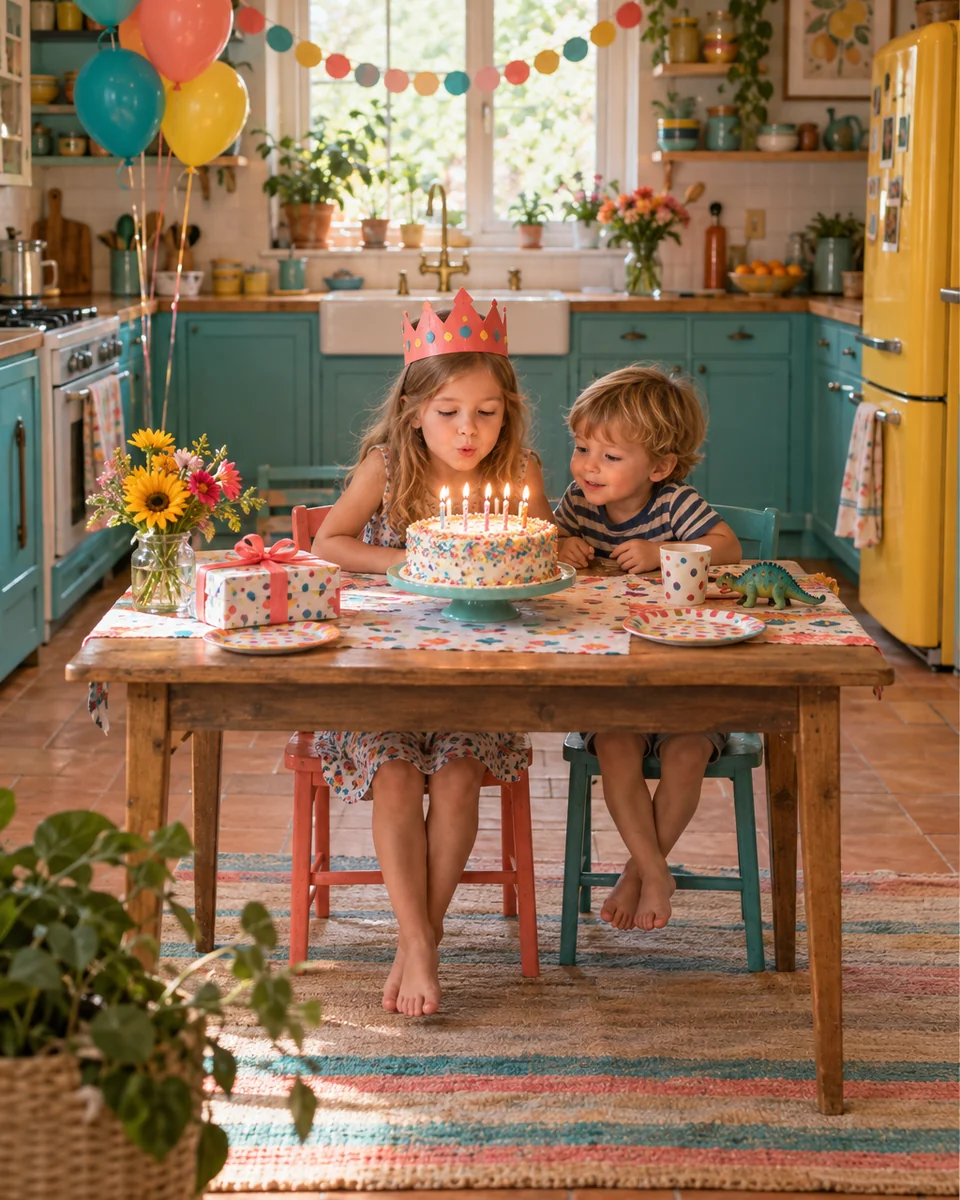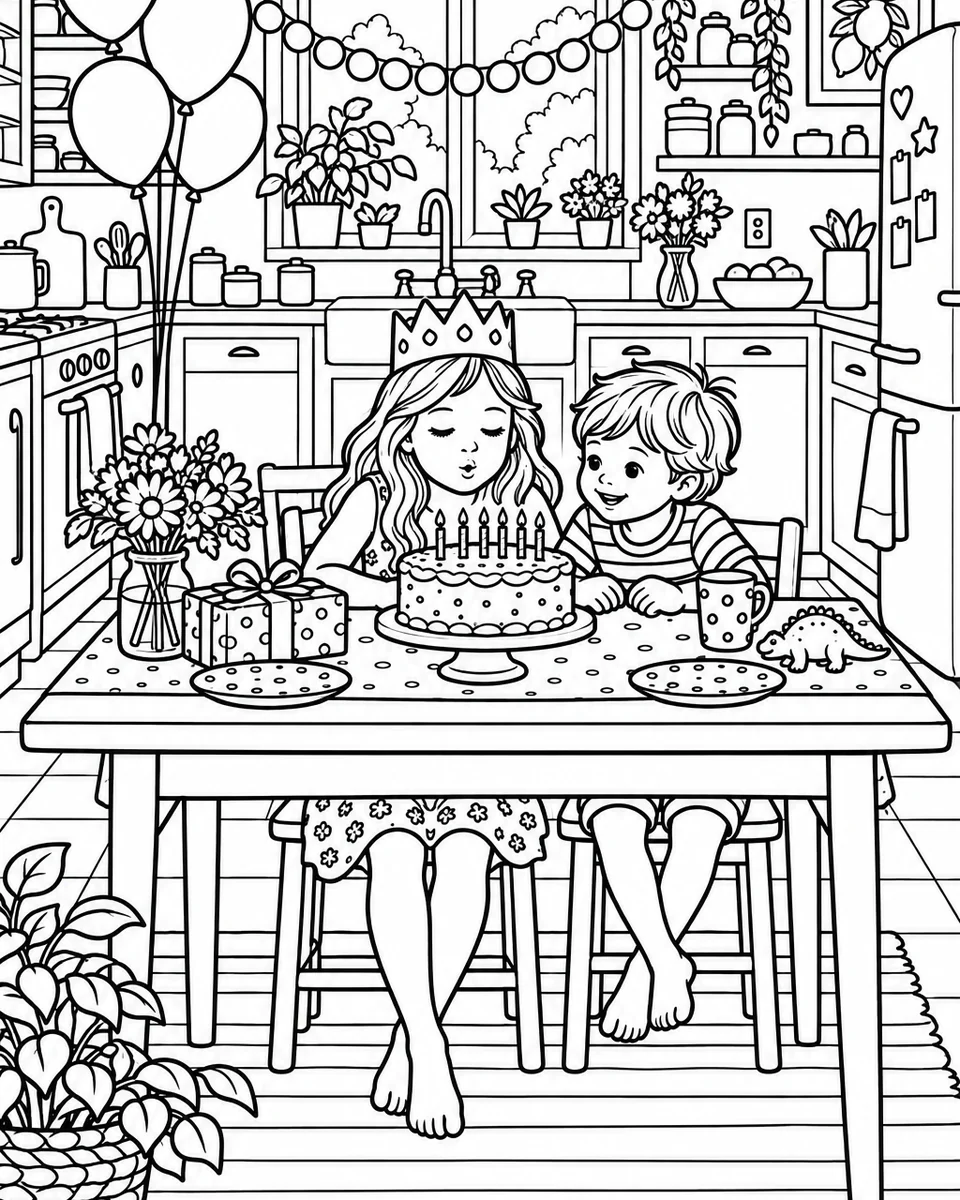
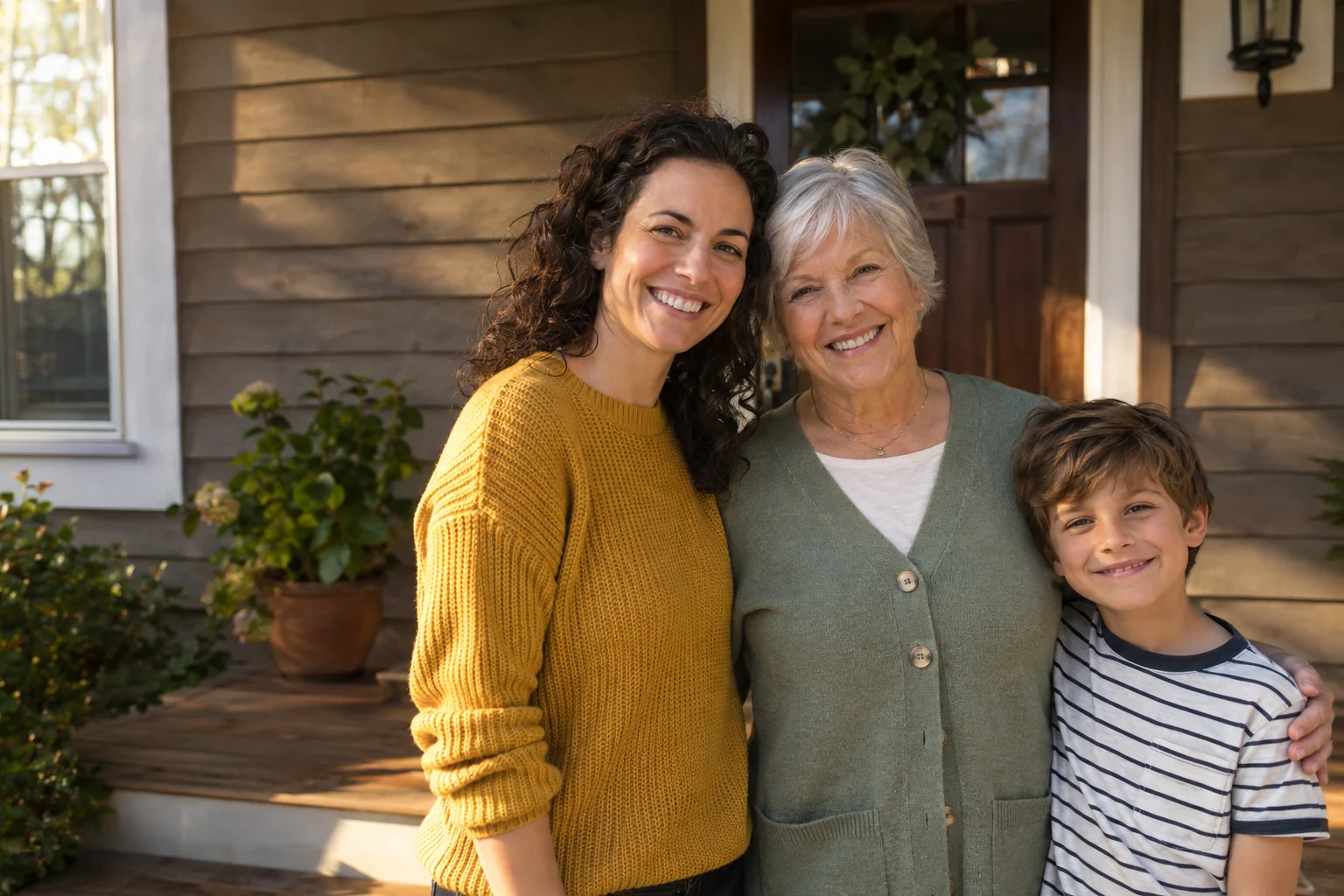
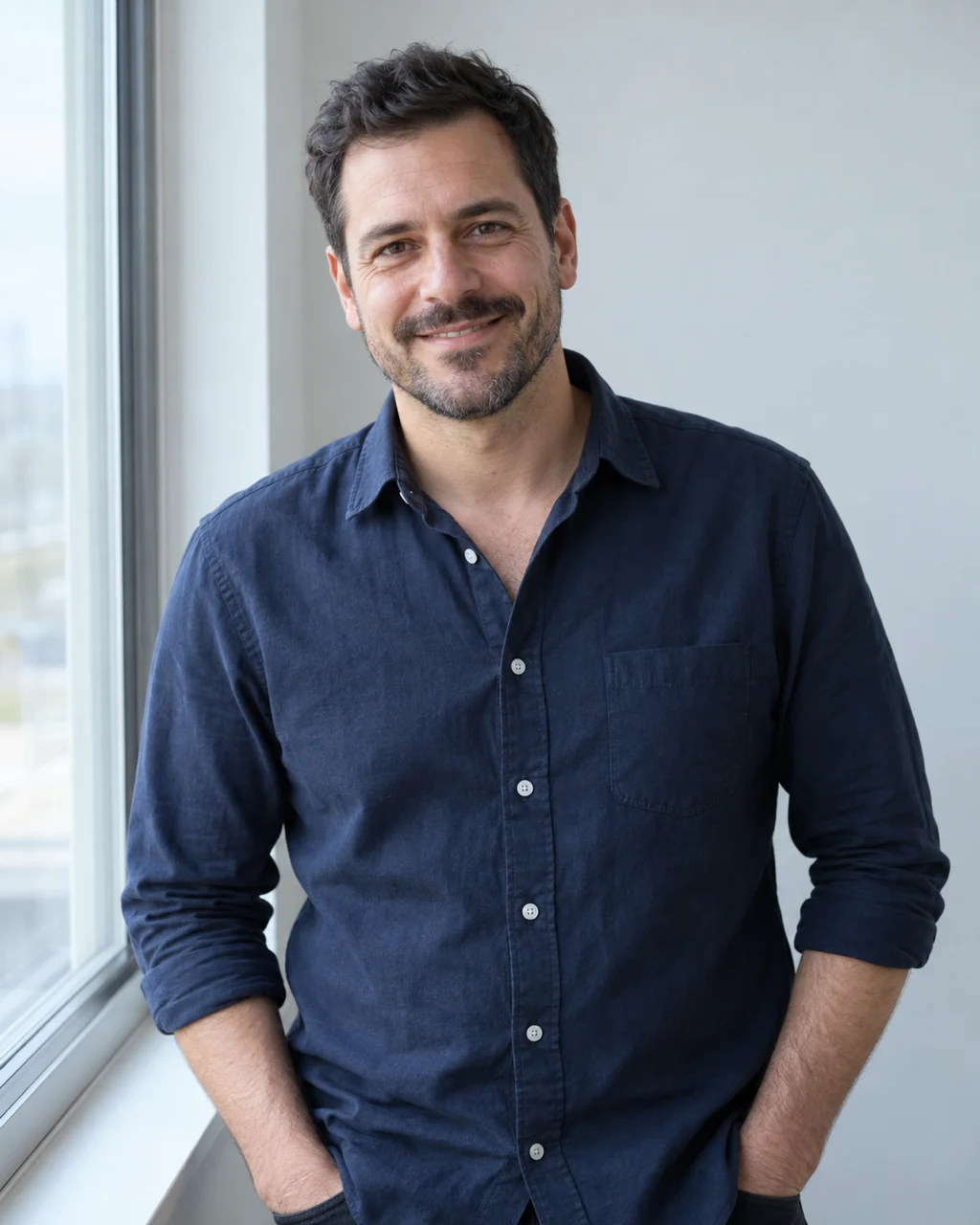
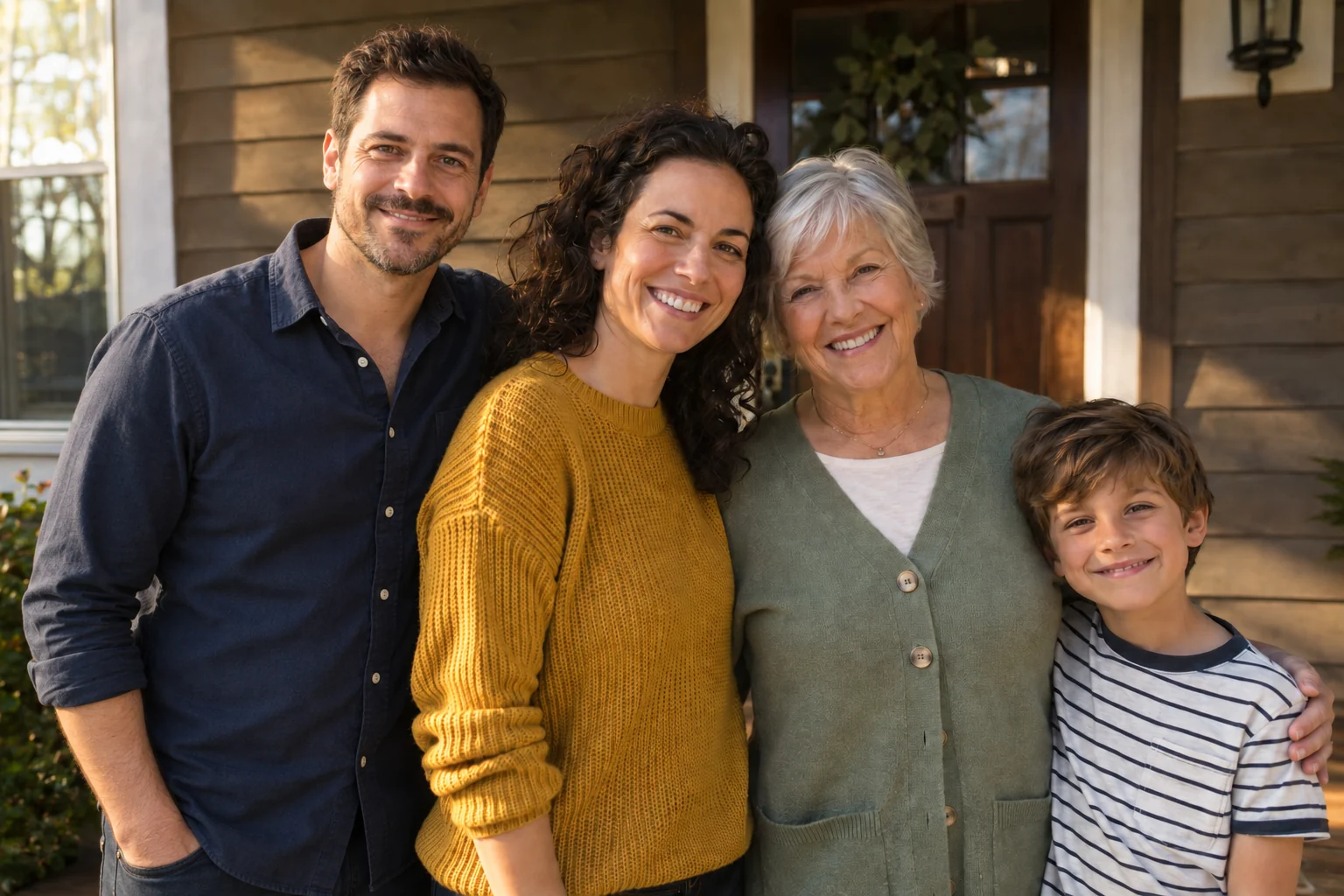
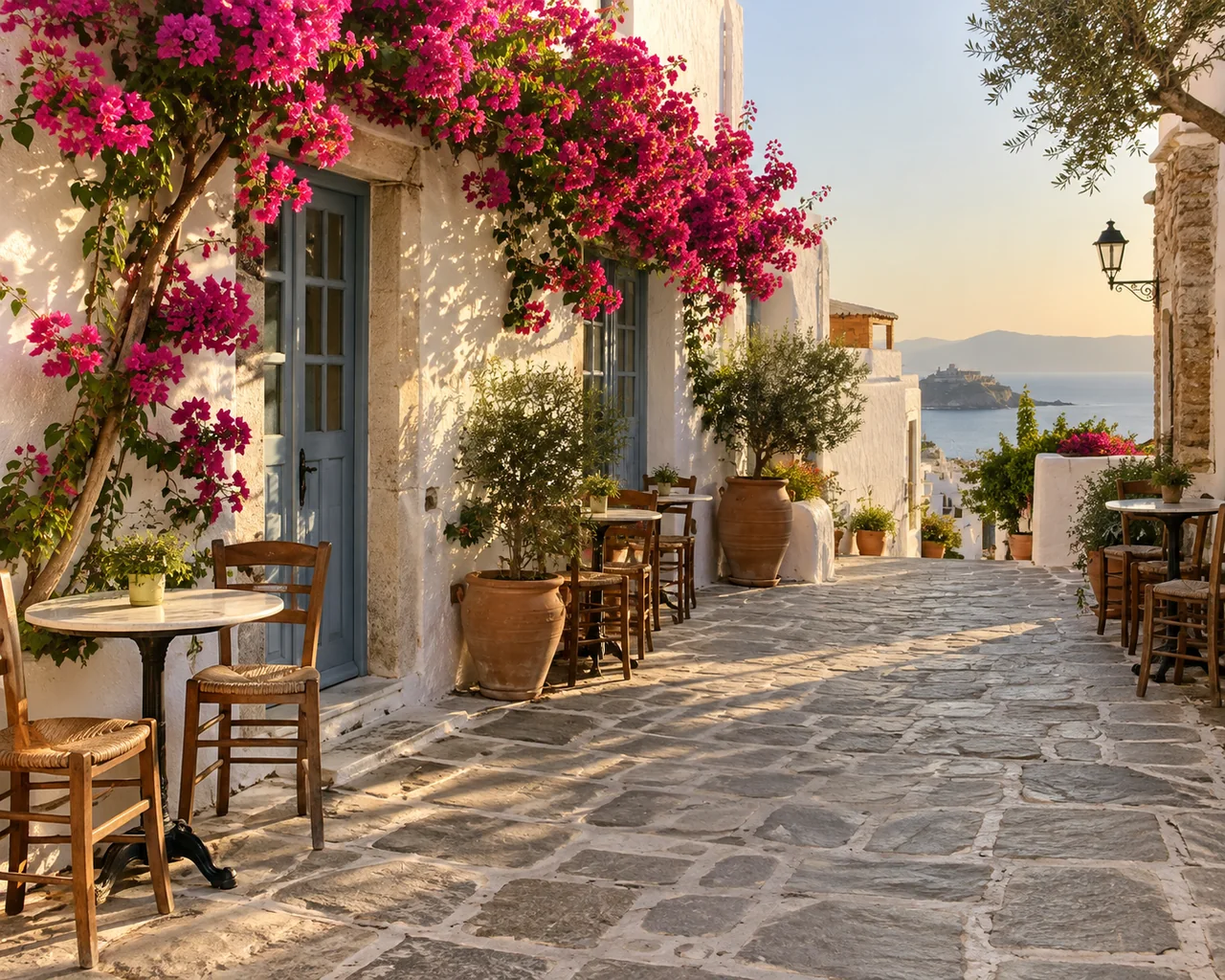
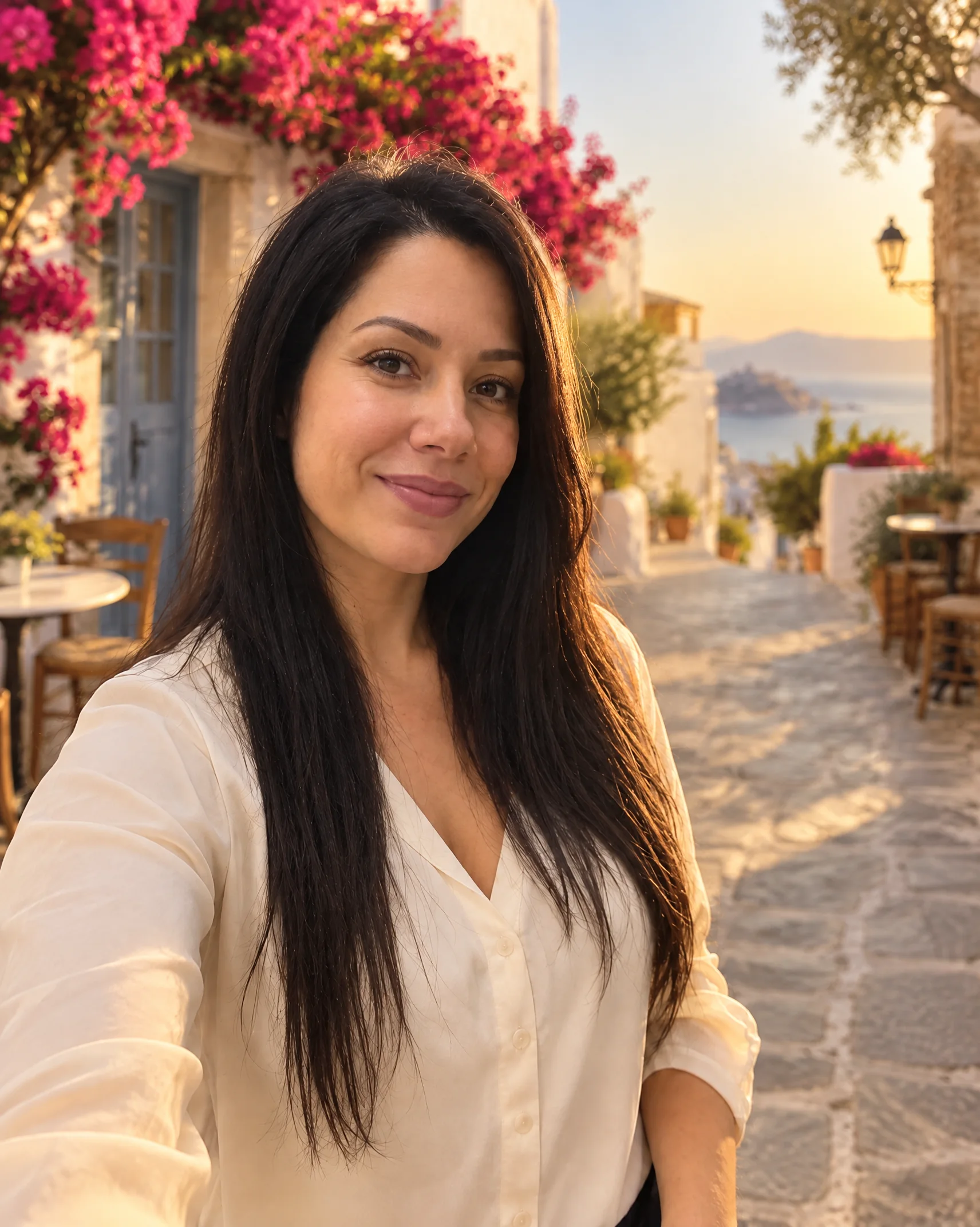
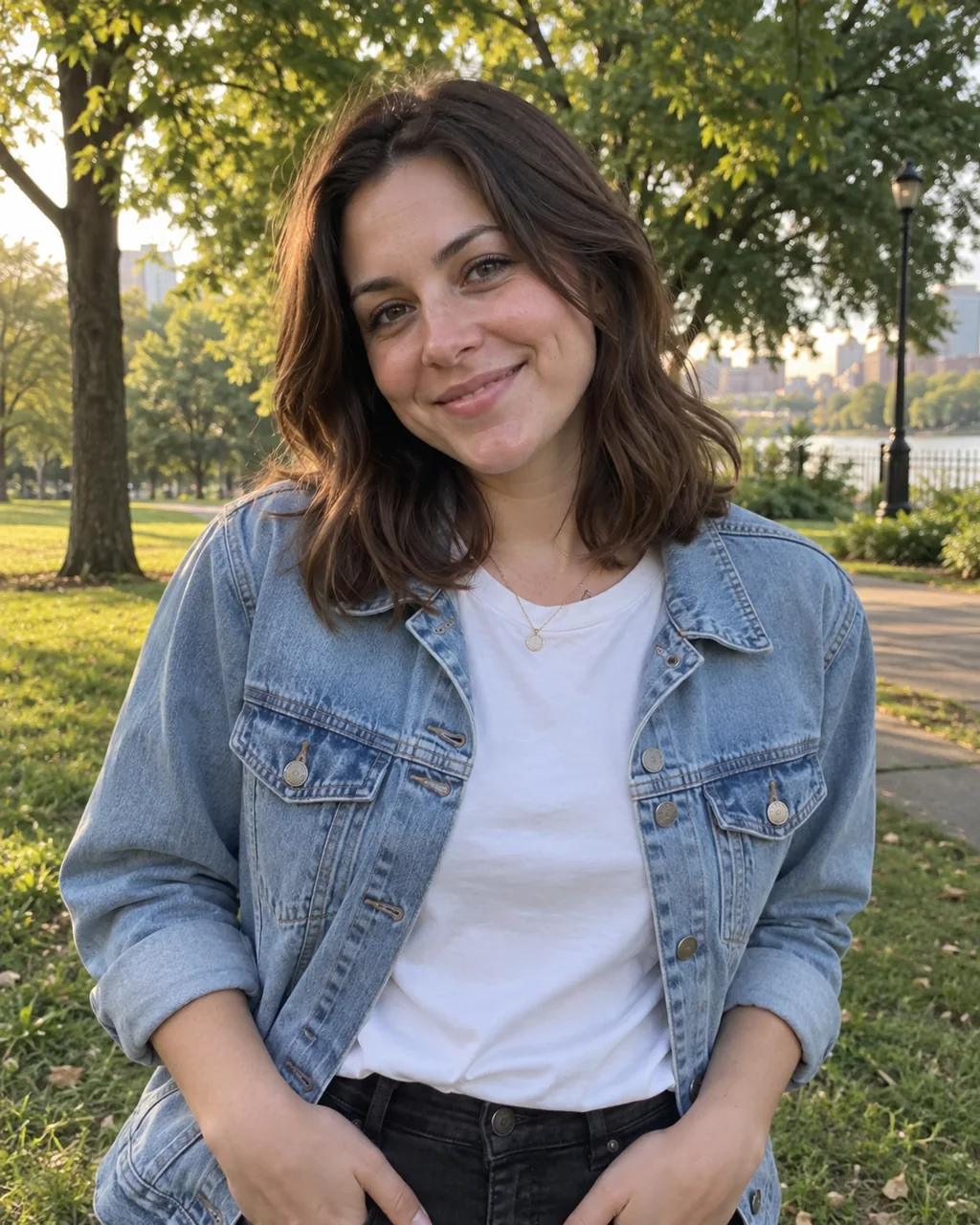
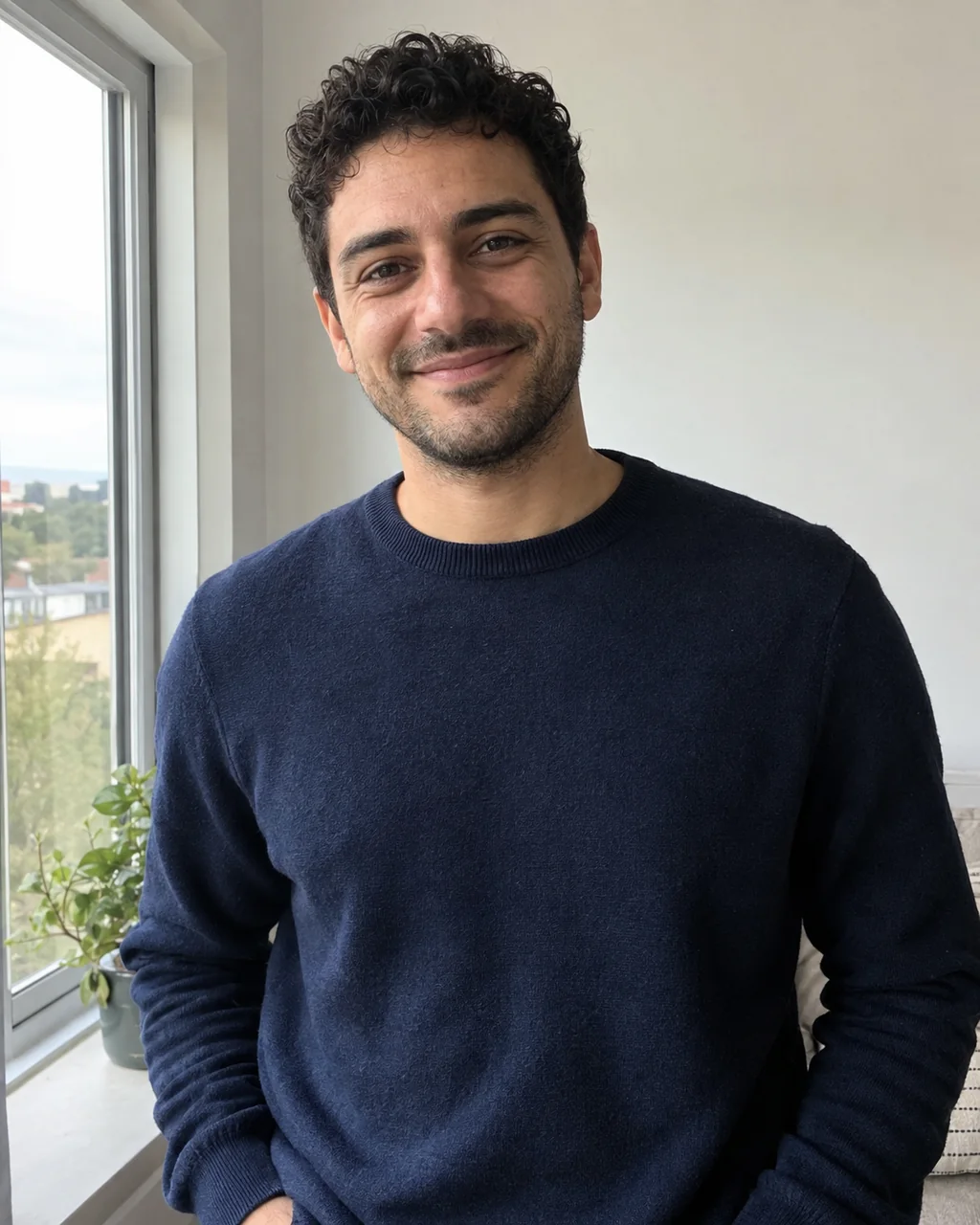
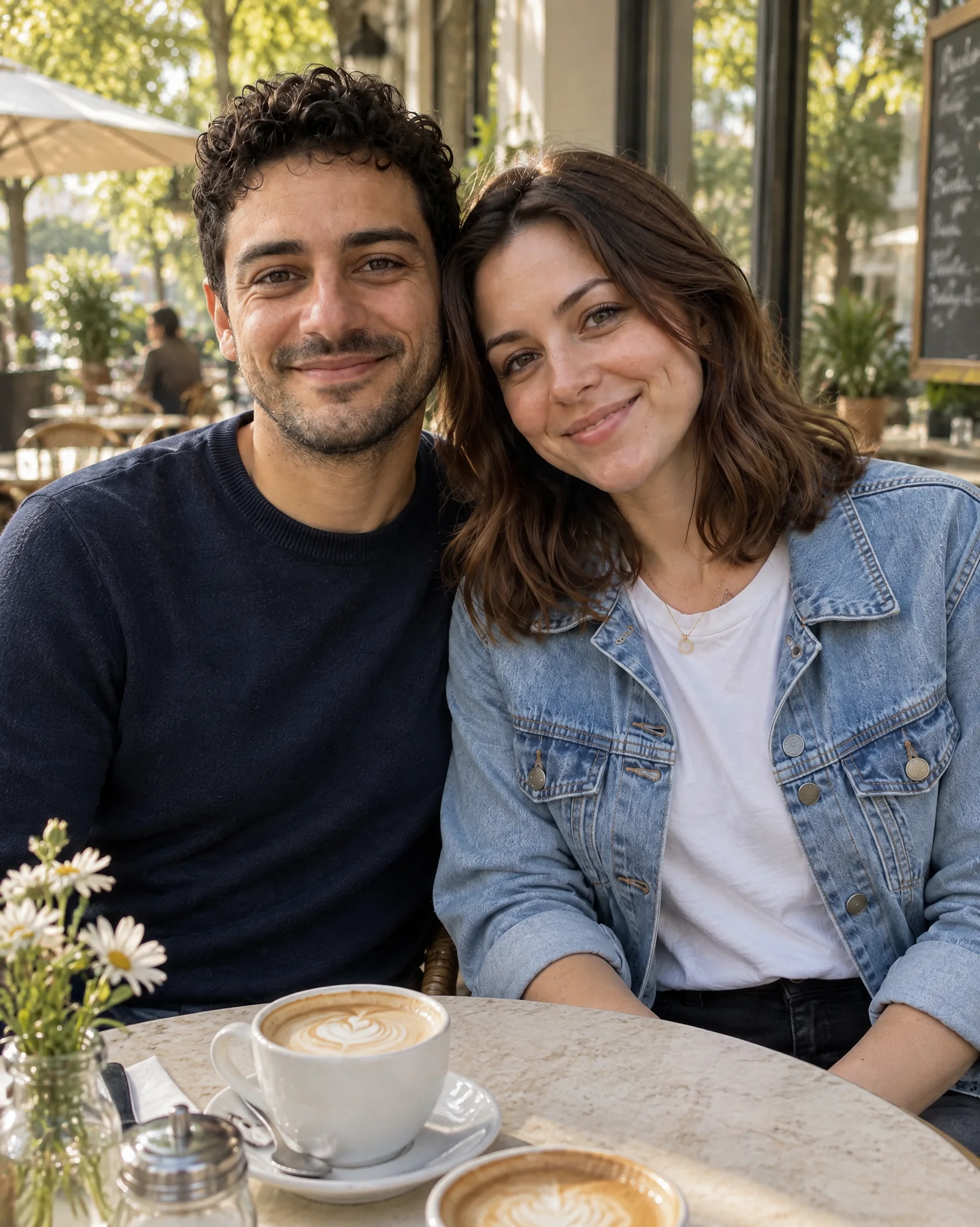
Your images. One new scene.

AI Image Combiner

Bring two or more photos together in one new image. Tell AI what to keep, where to place it, and how it should all look.

Upload at least 2 images · Sign in to generate · Credits shown before you start

Combine images with AI
Reference images — add at least 2(0/3)
0/5000
Cost10 credits

Prompts are safety-screened. NSFW, explicit, sexually suggestive, deepfake, and harmful content is prohibited. View acceptable use policy

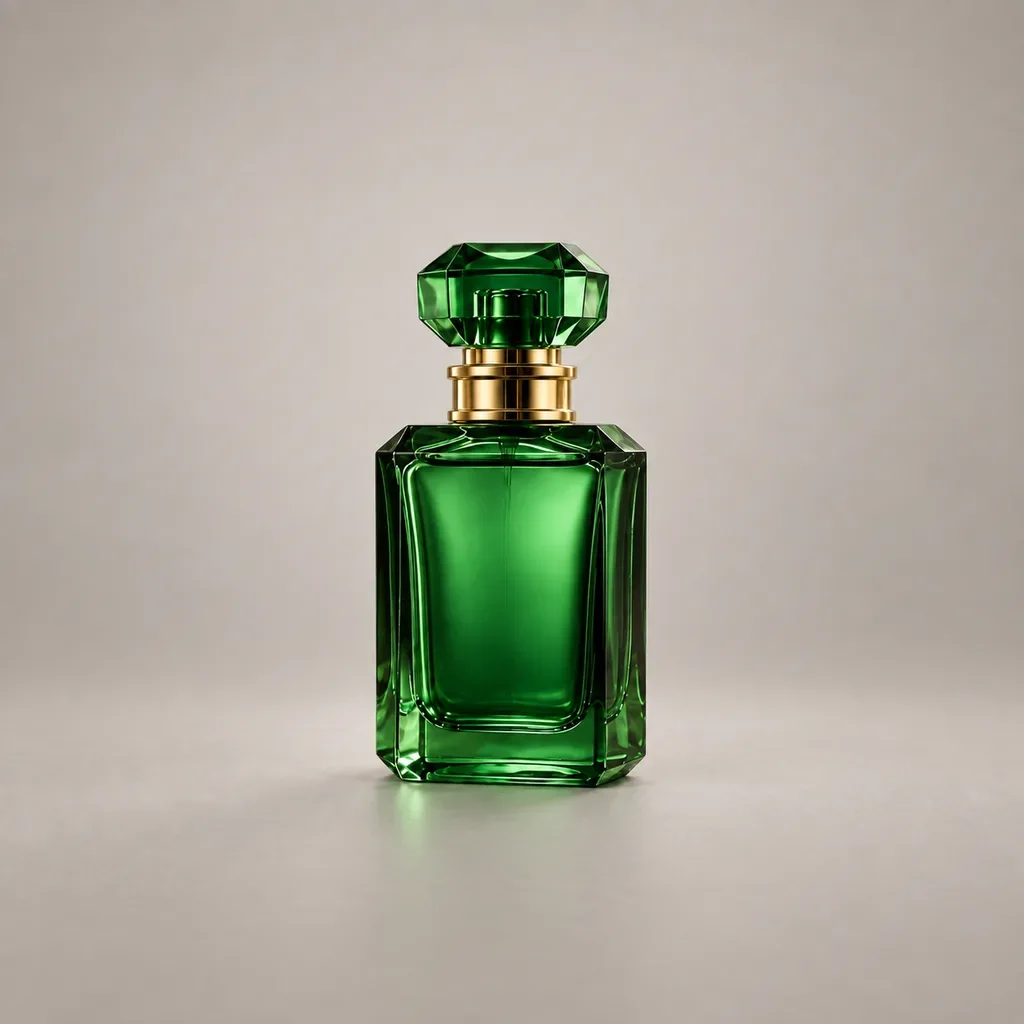
Emerald green perfume bottle photographed among ferns
Image 1 · Your product
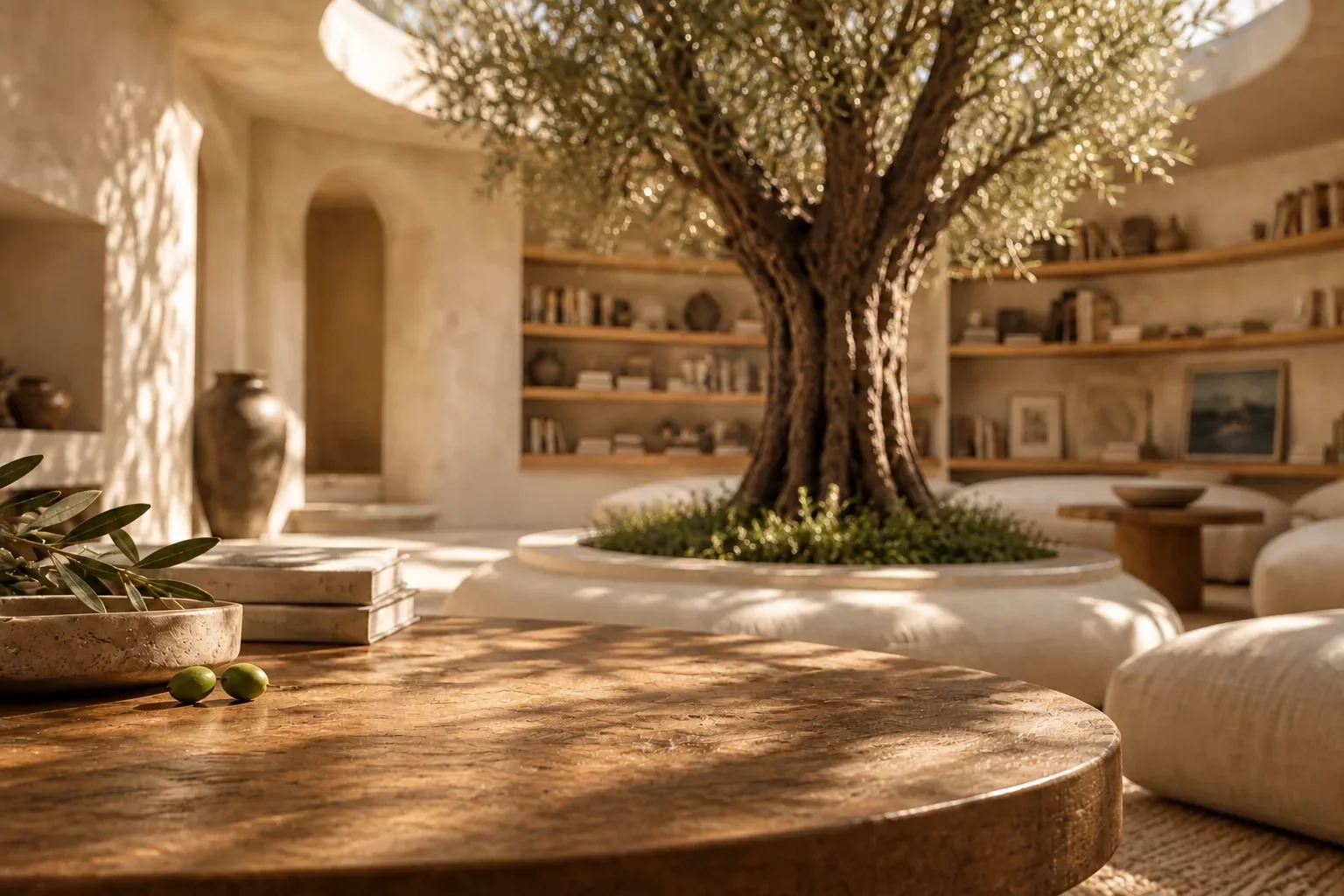
Sunlit reading room with an olive tree and a wooden table
Image 2 · Your setting
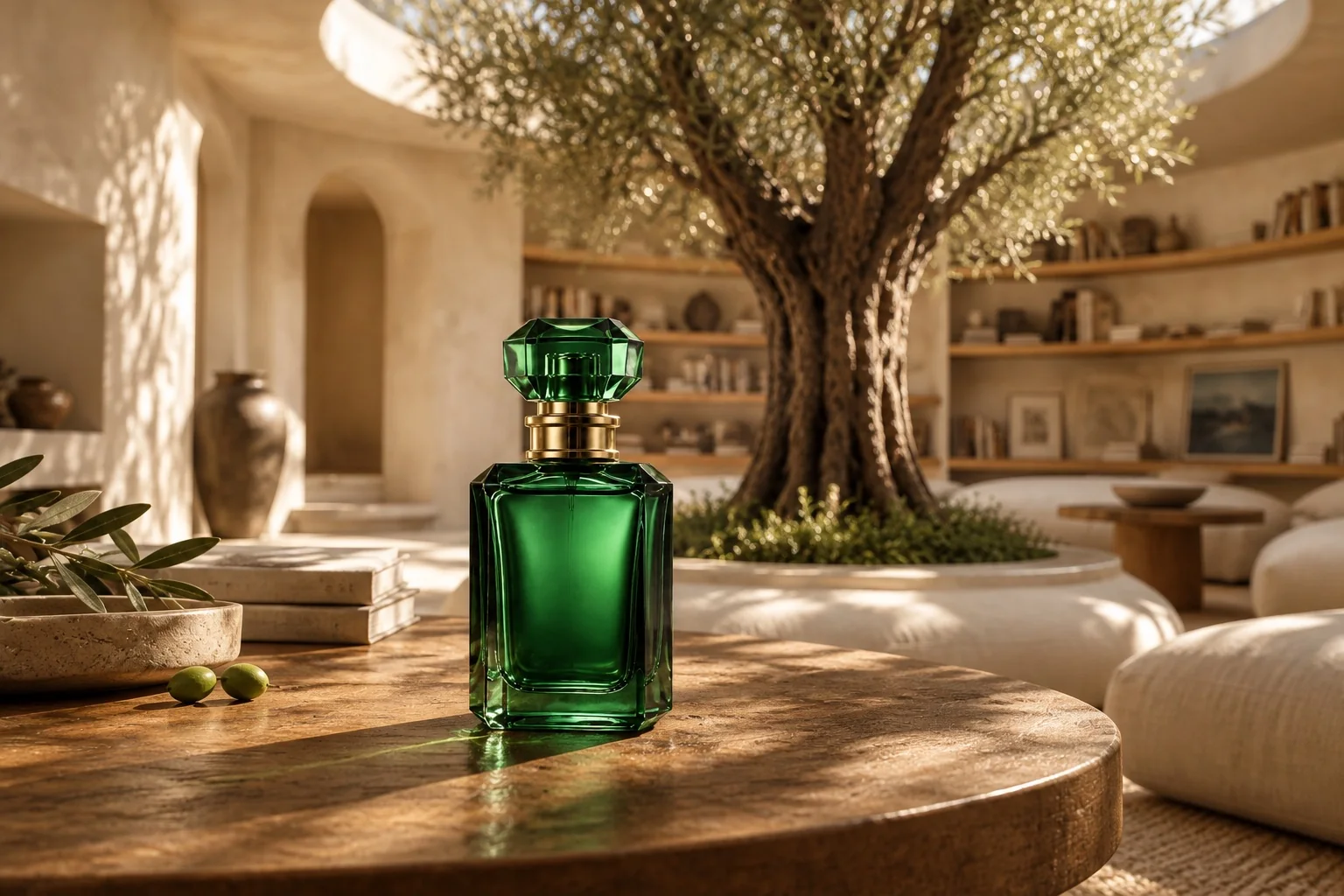
Emerald perfume bottle placed on a wooden table in the sunlit olive-tree reading roomA new scene
Illustrative AI example. Your result will depend on the images, prompt, and model you choose.

How to combine two images with AI

Start with the images you already have. Give each one a role, then describe the finished scene.

1. Add your reference images

Upload two or more clear photos. Use one for a person or product, another for a background, and extra references for details or style.

2. Describe the combination

Explain what to take from each image. Choose a model and output settings, then review the credit estimate before generating.

3. Generate and download

Sign in and combine your images. Preview the result, download it, or refine your prompt and generate another version.

Image blending ideas and example prompts

Try these ideas with your own photos. The buttons show suggested instructions without replacing anything you have typed. Leave the field empty to use the selected suggestion.

Product + scene
Give your product a new setting

Take a product from the first photo and place it in the environment of the second. Useful for exploring a new campaign look.

Prompt to try

Use image 1 as the product reference and image 2 as the setting. Place the product on a suitable surface in the scene. Preserve its shape, material, and recognizable details. Match the camera perspective, natural lighting, reflections, and contact shadows. Create one cohesive product photograph.

People together
Combine two people in one photo

Create a new portrait from separate reference photos. Describe each person’s position and the scene you want them to share.

Prompt to try

Create one natural photo with the person from image 1 on the left and the person from image 2 on the right. Preserve each person’s recognizable features and clothing. Place them at a consistent scale in a softly lit outdoor setting. Match lighting and perspective, with relaxed natural poses.

Creative blend
Bring a subject into another world

Combine a subject, a setting, and a visual mood to explore illustrations, cover art, or a new creative direction.

Prompt to try

Use the main subject from image 1 and the environment and color palette from image 2. Build one cohesive scene around the subject. Preserve its recognizable silhouette and key details. Match the style, light direction, and perspective throughout the image.

Combine people, products, and backgrounds

An AI photo merger gives your references a shared setting, composition, and visual direction.

Product concepts

Try a product in different settings before planning your next shoot. Review generated labels and fine details before using an image.

Portrait ideas

Bring people or pets from separate photos into a new portrait. Use clear references and describe how the subjects should interact.

Creative exploration

Combine a subject reference with a mood or environment reference to find a visual direction for your project.

Campaign visuals

Explore compositions for social posts, covers, and promotional graphics using your existing visual assets.

How to write an image blending prompt

A useful blending prompt explains the subject, the setting, and the details that should stay recognizable.

Name each image

Write “image 1 is the product” and “image 2 is the background.” Reference numbers follow the order of your uploaded images.

Describe what to keep

Mention the face, clothing, product shape, or colors that matter. AI can reinterpret small details, so inspect the result.

Connect the scene

Describe where the subject belongs, its scale, and the light direction. Ask for matching perspective and natural contact shadows.

Example: a product in a new environment

Use image 1 as the product reference and image 2 as the setting. Place the product on a suitable surface in the scene. Preserve its shape, material, and recognizable details. Match the camera perspective, natural lighting, reflections, and contact shadows. Create one cohesive product photograph.

This prompt assigns a role to each reference and describes the lighting and perspective needed to make them work together.

Questions about combining images with AI

What to expect when you blend photos with AI.

Bring your images into one scene

Choose your references, describe the combination, and see what you can create.

Combine my images