AI Pixel Art Generator

Create pixel-style avatars, item concepts and retro scenes from text, or turn a photo into a pixel-art-style illustration.
GPT Image 2Best quality40
0/9398
Cost40 credits

Prompts are safety-screened. NSFW, explicit, sexually suggestive, deepfake, and harmful content is prohibited. View acceptable use policy

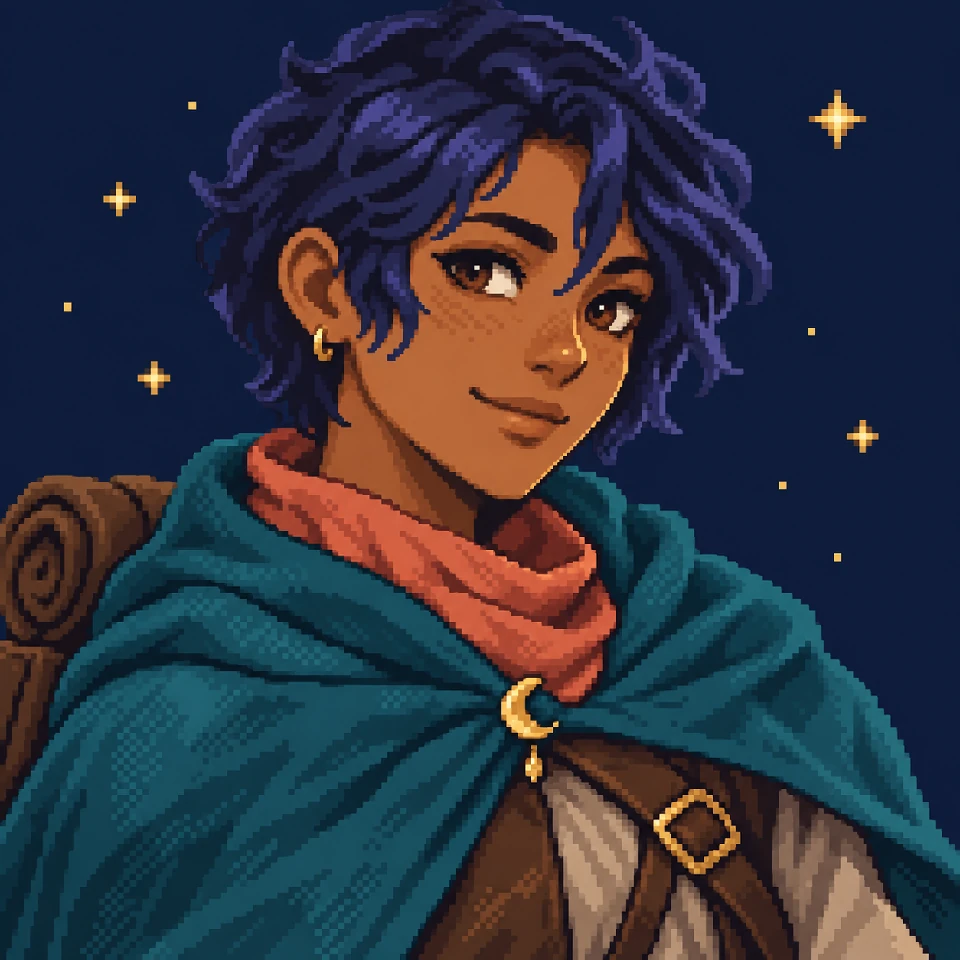
A retro avatar
A retro avatar · AI-created pixel-style illustrations. Examples show a visual style, not a native sprite grid.
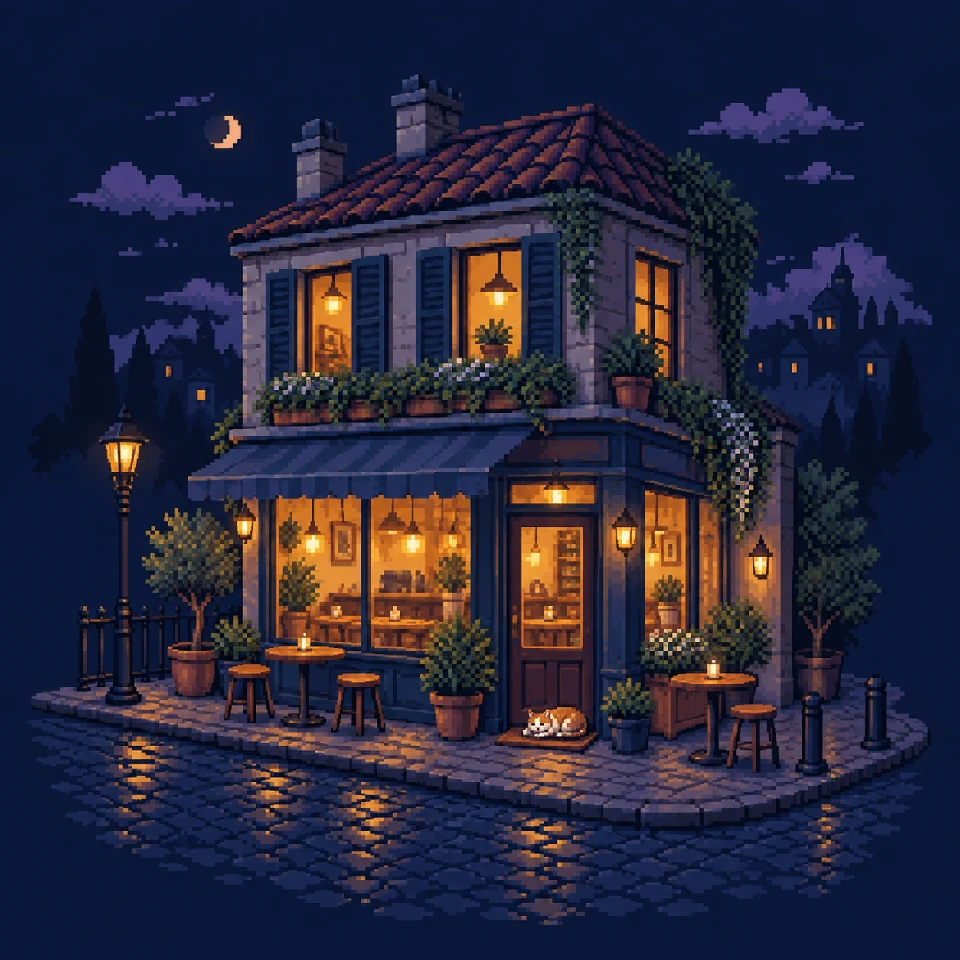
A cozy night scene
A cozy night scene · AI-created pixel-style illustrations. Examples show a visual style, not a native sprite grid.
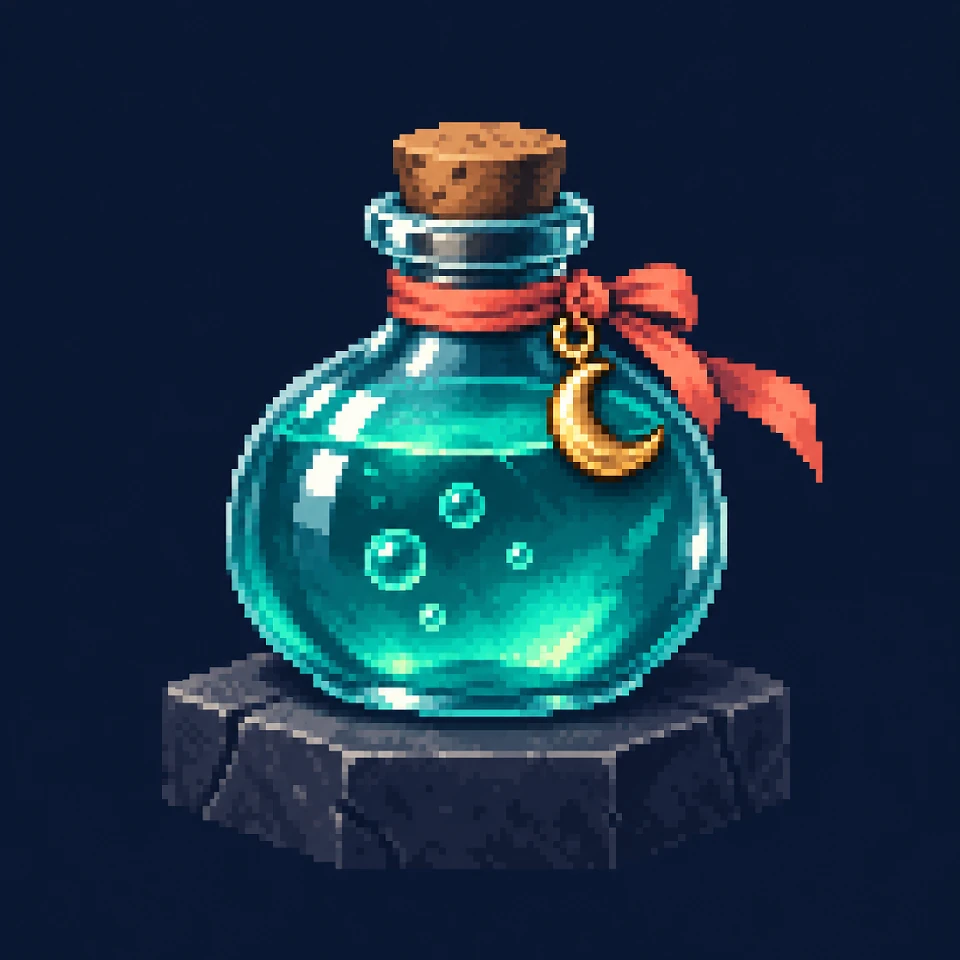
A fantasy object
A fantasy object · AI-created pixel-style illustrations. Examples show a visual style, not a native sprite grid.

From an idea to pixel art

Describe an idea or upload a reference.

Describe it or upload a reference

Use Text to Image for a new scene, or Image to Image to reinterpret a photo or drawing.

Set up your image

Choose an aspect ratio for your avatar, illustration or background, adjust the image quality if needed, then generate.

Generate and download

Check the credit estimate, generate your image, and review it before downloading.

Pixel art ideas to start with

AI-created pixel-style illustrations. Examples show a visual style, not a native sprite grid.

A retro avatar
A retro avatar
A retro avatar

A character portrait with a readable silhouette and expressive colors.

A cozy night scene
A cozy night scene
A cozy night scene

A tiny café lit by warm windows against a blue evening sky.

A fantasy object
A fantasy object
A fantasy object

A glowing potion bottle with bold shapes and a restrained palette.

Give your ideas a pixel-art look

Create visual concepts for profiles, stories and personal projects.

Avatars and profile images

Describe a character or bring a reference to explore a retro portrait.

Scenes and backgrounds

Build the mood of a cozy room, a fantasy village or a neon street.

Object and game concepts

Explore how items could look before refining them in a dedicated pixel editor.

For a better result

Start with the subject and mood.

Name the subject

Describe who or what should appear, plus the pose or point of view.

Choose a palette

Try warm amber and navy, forest greens or a small set of pastel colors.

Keep it readable

A simple silhouette and uncluttered background are easier to recognize at small sizes.

Describe your image

For example: a tiny potion shop in the forest, warm lanterns and a moss-green palette.

Choose an aspect ratio for your avatar, illustration or background, adjust the image quality if needed, then generate.

Frequently asked questions

Answers about source photos, results and credits.

AI Pixel Art Generator

Describe an idea or upload a reference.

Generate pixel art